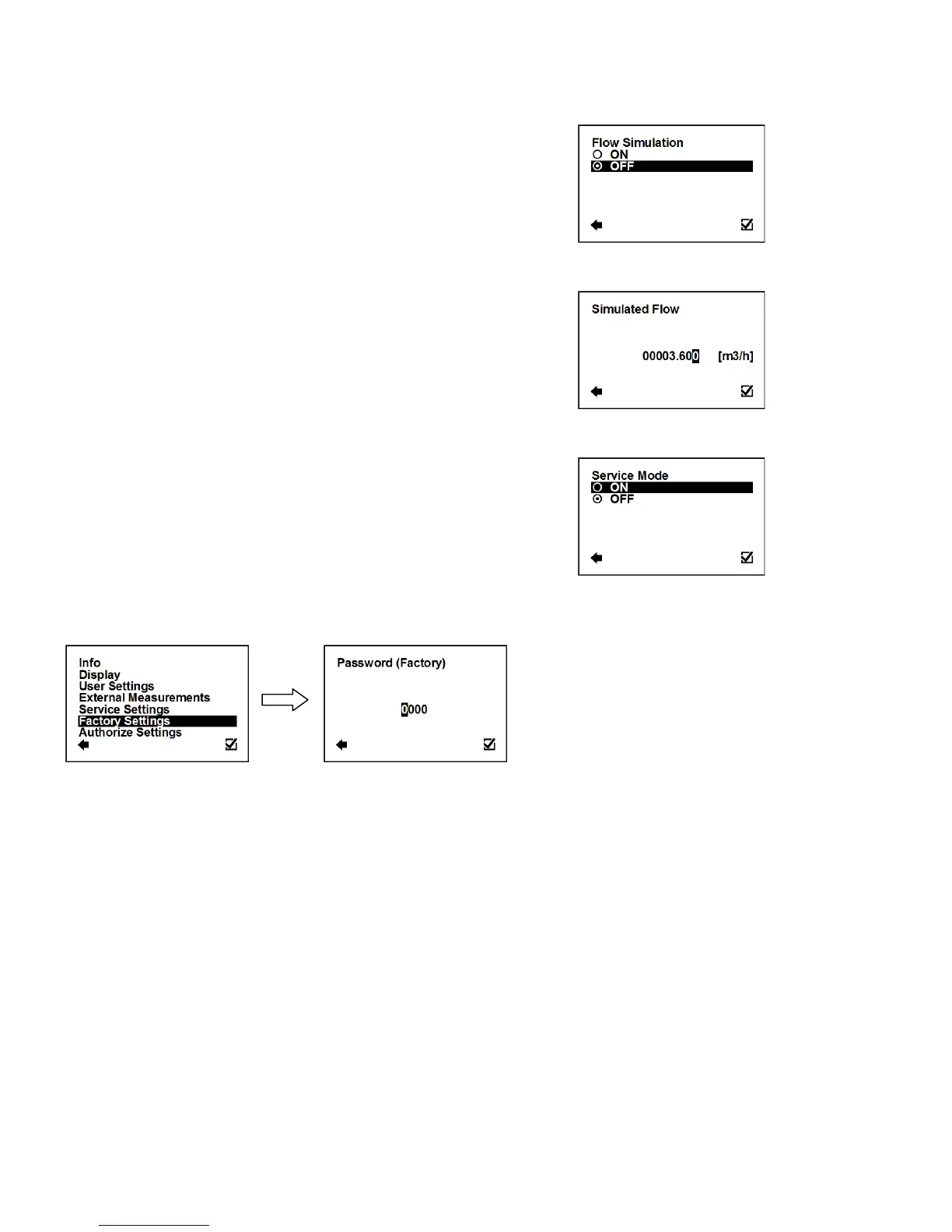
3.7.6. Service Settings > Flow Simulation
Switching on/off the flow simulation mode.
Confirmation of setup and saving to memory
Flow Simulation status is ON
Flow Simulation status is OFF
3.7.7. Service Settings > Simulated Flow
Simulation flow in m3/hr (Factory setting: 3.6m3/h).
Possible range: 0 – 36000m3/h
Selection of digit position
Confirmation of setup and saving to memory
3.7.8. Service Settings > Service mode
Switching on/off the service mode for troubleshooting purposes.
Confirmation of setup and saving to memory
3.8. Factory Settings Menu
To enter this part of the menu, it is necessary to enter the Factory Password.
This function is only available to Arkon staff in the Arkon workshop.



 To Next Page