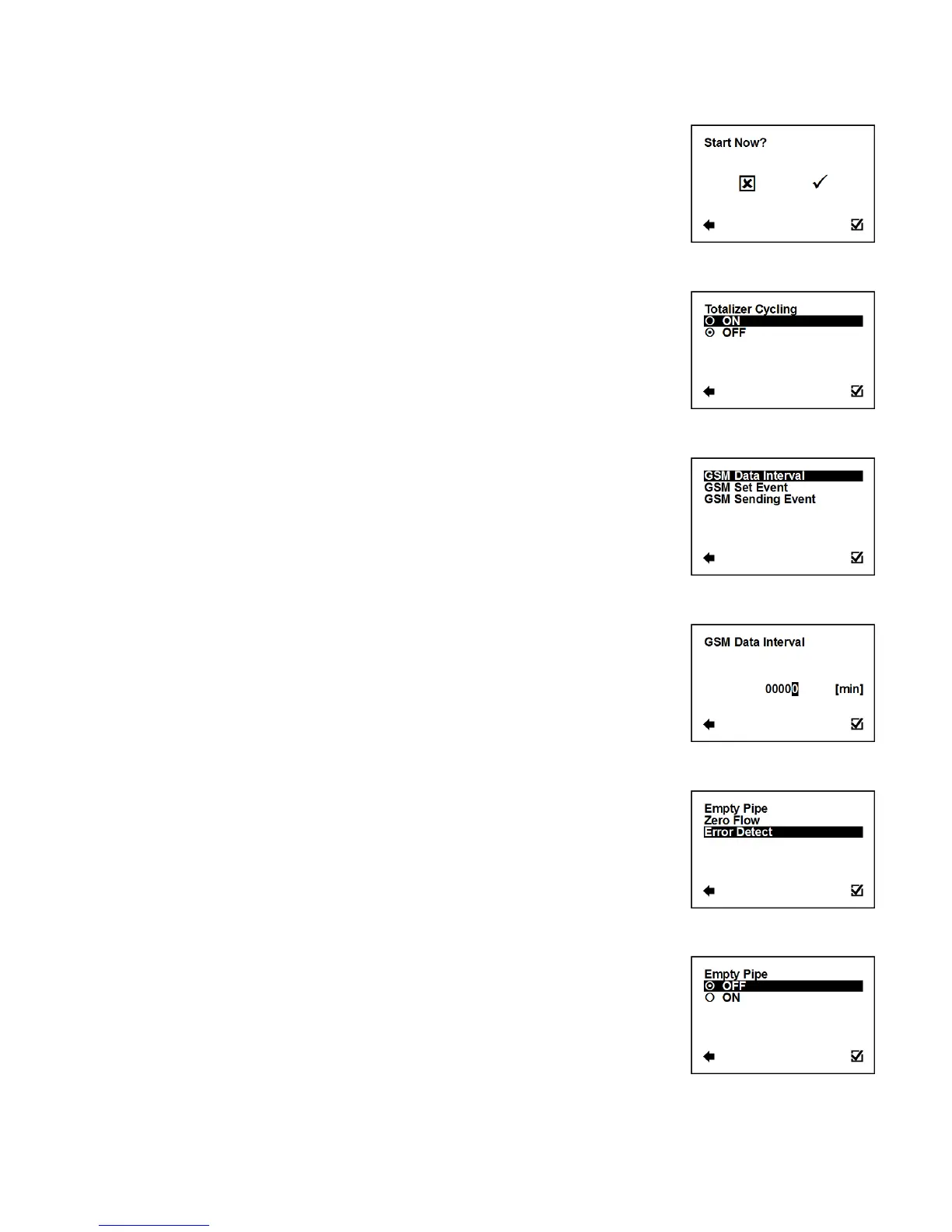
User Settings > Electrode Cleaning > Start Now
This function serves to start electrode cleaning now.
Start electrode cleaning now
3.5.21. User Settings > Totalizer Cycling
Automatic totalizer cycling (time is set to 3 seconds).
Confirmation of setup and saving to memory
3.5.22. User Settings > GSM Settings
Enter this part of the menu
User Settings > GSM Settings > GSM Data Interval
Set time interval for sending text message with actual data.
Selection of digit position
Confirmation of setup and saving to memory
User Settings > GSM Settings > GSM Set Event
Select event for sending text message.
Enter this part of the menu
User Settings > GSM Settings > GSM Set Event > Empty Pipe
Empty Pipe event sending.
Confirmation of setup and saving to memory



 To Next Page