Dispensing Batches
72 FastPak EXP Operating Manual
If you do not choose this option, the Dis-
pense application will not check expiration
dates. However, low count medications will
appear in yellow on the View Med List win
-
dow.
• Fill this batch x times - when you choose this
option, you must then type the number of
times you want this batch to be dispensed
consecutively.
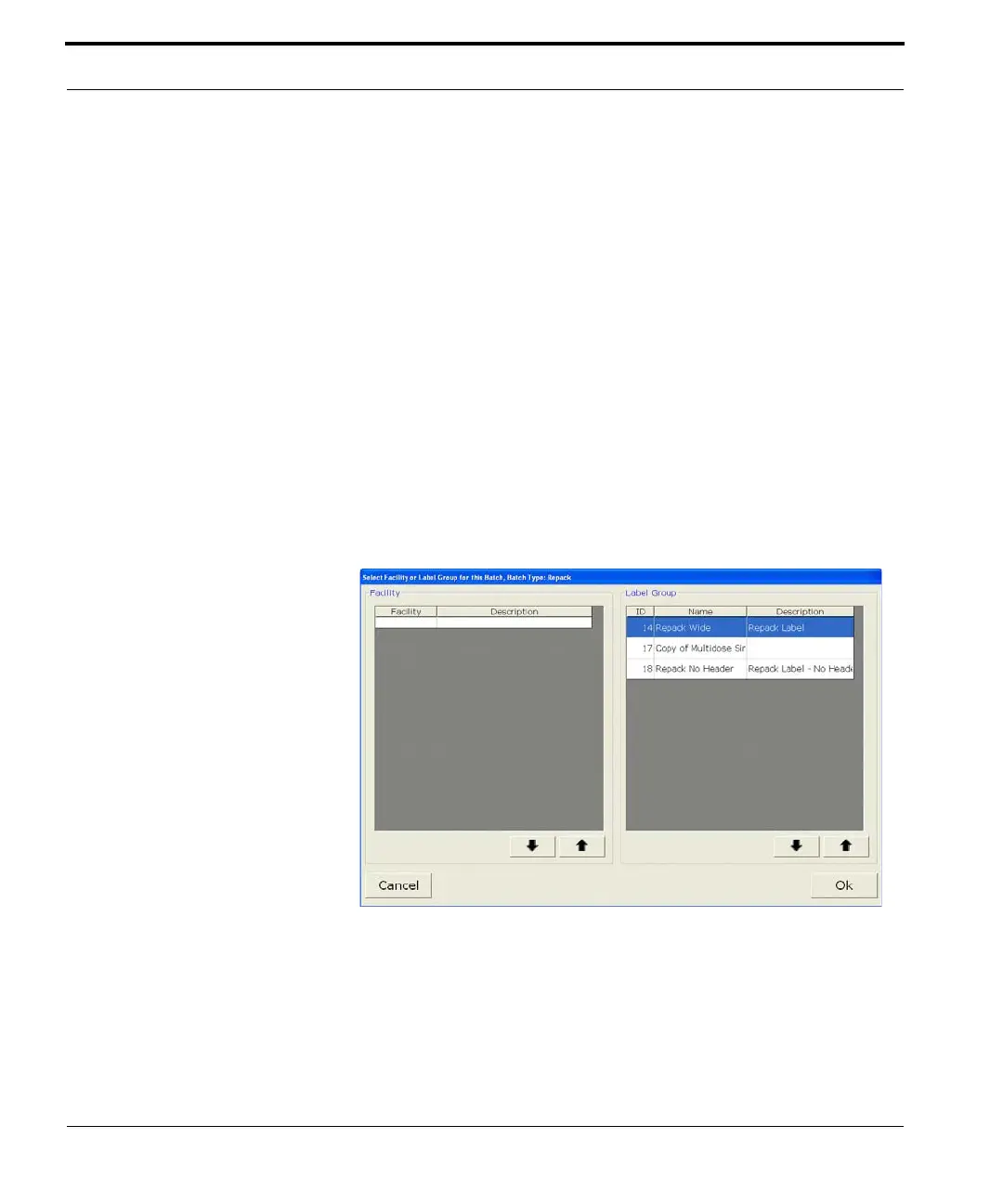
Current Label
The name of the current label is shown on the
Dispense window (Figure
7-3). If you want to change
labels, click Change Label. A window like that
shown here appears.
Figure 7-4 Change Label window
Click on a label, and then click OK.



 To Next Page