Dispensing Batches
74 FastPak EXP Operating Manual
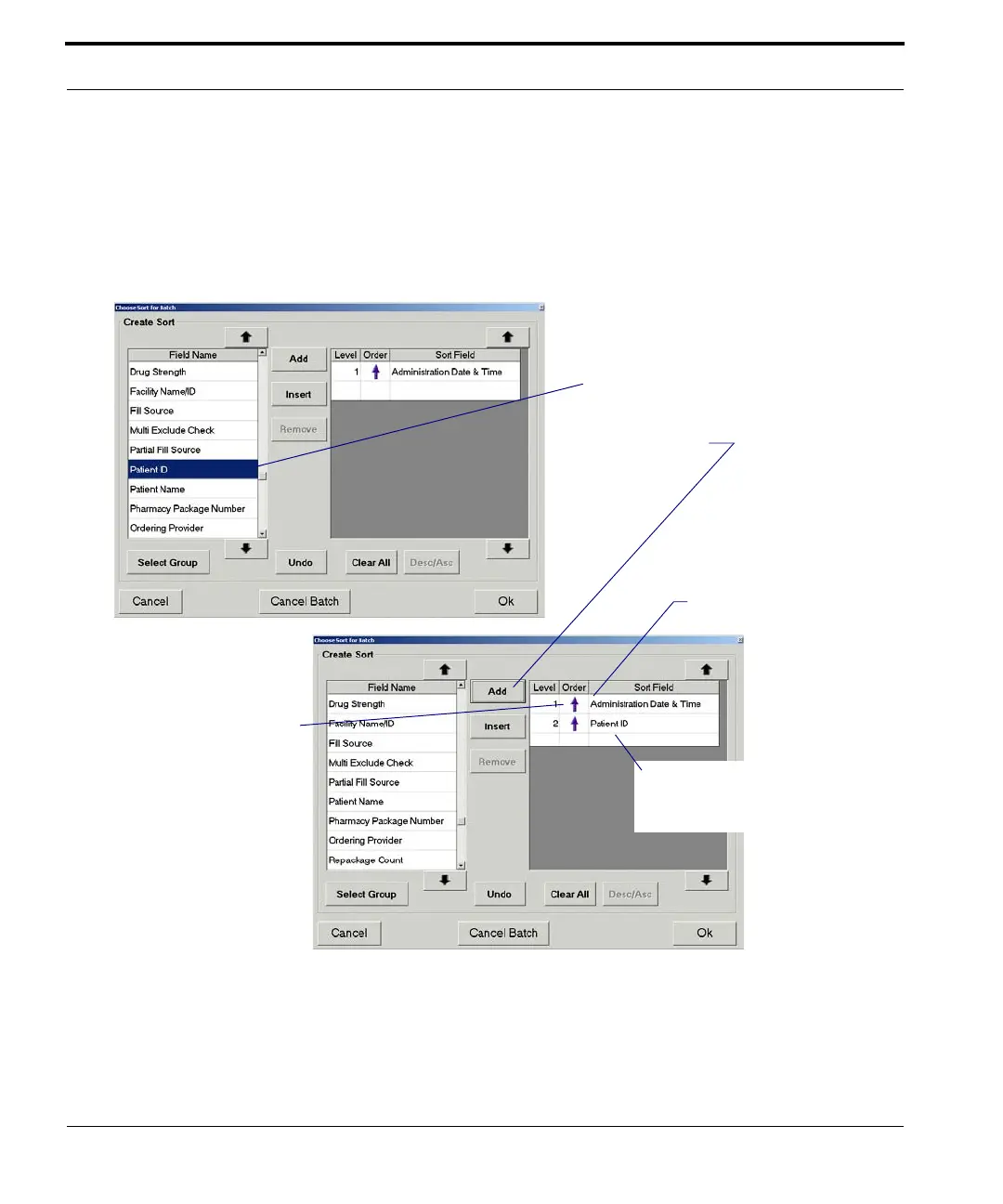
Similarly, you may remove a field from the Sort
Field list by highlighting it and then selecting
Remove. To remove all fields from the Sort Field list,
select Clear All.
Figure 7-6 Choose Sort for Batch window
To add a field,
. . . select Add.
The field is added to the list
The up arrow indicates
ascending order.
Highlight a sort field,
then select Desc/Asc to
change to descending
order.
highlight it and . . .
Current sort fields and the
prioritized
the order in which they are



 To Next Page