FastPak EXP Operating Manual 77
Dispensing Batches
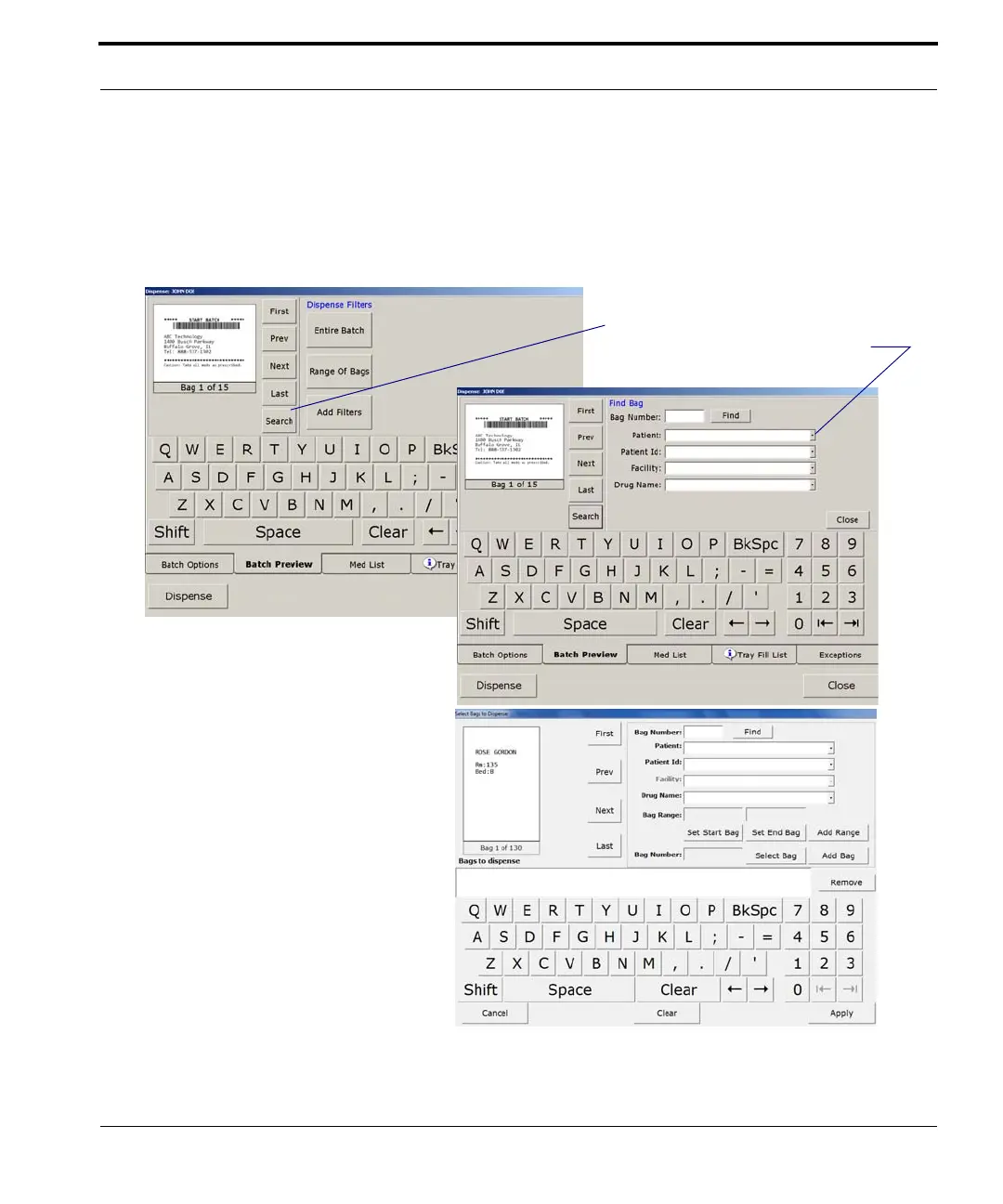
Click First, Prev, Next, or Last to view the
corresponding bags in the batch. Or click Search to
search for a specific bag in the batch. Refer to the
following figure for more information.
Figure 7-8 Batch Preview window
The window changes when you click
Search. Type your search criteria (or select
criteria using the drop-down arrows) .
Click Range of Bags if you only
want to dispense some of the bags
in the batch, and you want to specify
the bags to be dispensed by their
bag number. Set the start bag and
end bag, add a range of bags, or
select a specific bag. Then click
Apply. See more about range
selection on page 78.
Wait for the Dispense window to
reappear, then click Dispense.



 To Next Page