Power requirements
28
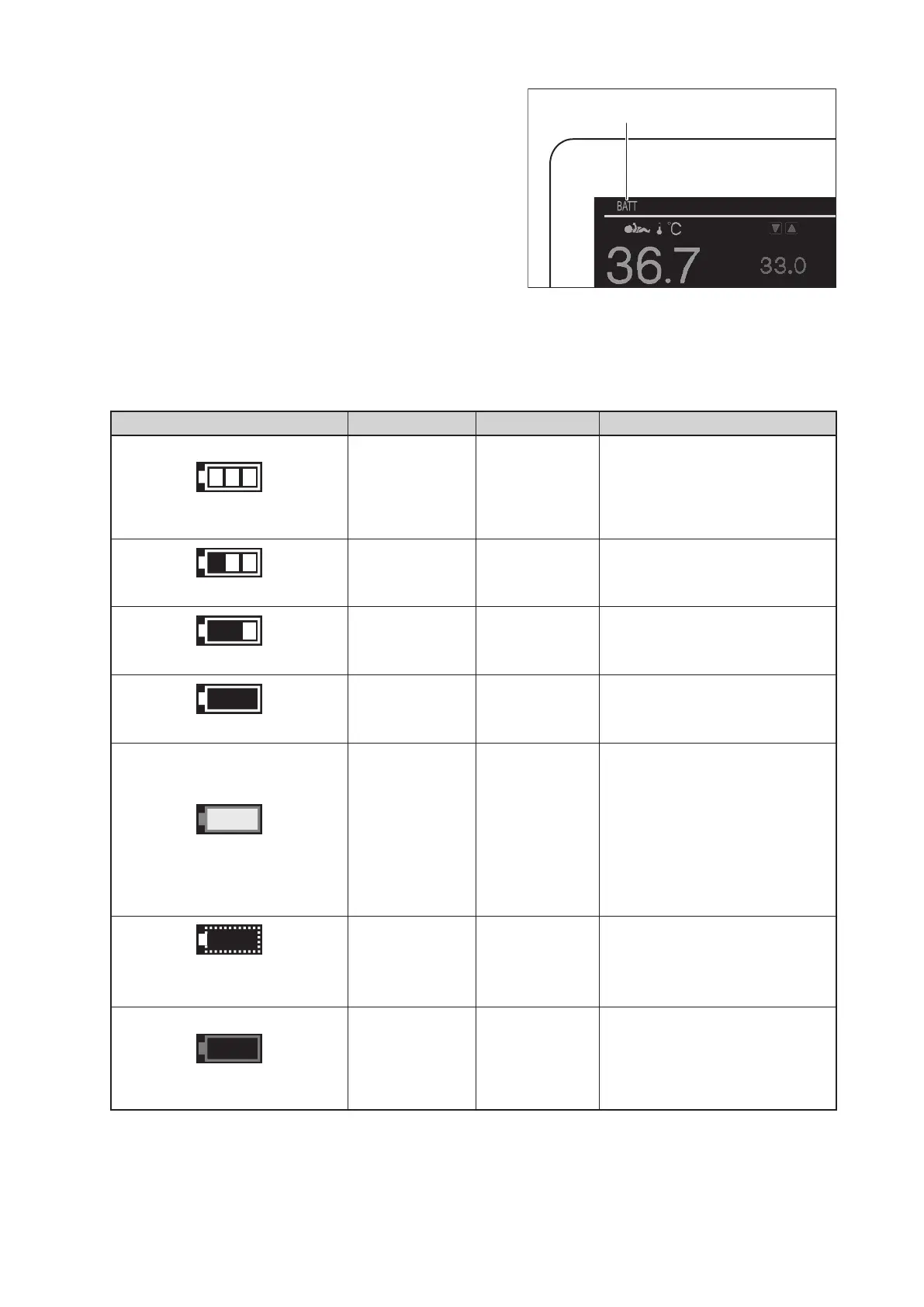
(3) “BATT” appears in the power supply display area
on the display.
Power supply display
J
Checking the Battery Status
The unit has two battery status indicators that show the charging status of batteries 1 and 2. The number of
cells decreases with the battery power discharge.
Indicator Indication Name Charging status of battery
A white frame with 3 lit cells
An indicator is lit
Remaining
battery level 3
or fully charged
The battery is fully charged.
If the unit is connected to an AC
power source, the battery is fully
charged.
A white frame with 2 lit cells
An indicator is lit
Remaining
battery level 2
The battery level is somewhat
low.
A white frame with 1 lit cell
An indicator is lit
Remaining
battery level 1
The battery level is considerably
low.
A white frame
An indicator is lit
Remaining
battery level 0
The battery level is very low.
A red frame with a yellow lit cell
An indicator is lit Low battery
Battery has no remaining
charge.
A low battery alarm activates.
If you keep on using the unit,
power is automatically turned
off. So, connect it to an AC pow-
er source.
Symbol surrounded
by a dotted line
An indicator is lit
Battery not
connected
Batteries are not loaded. Or bat-
tery has no remaining charge.
A red frame
An indicator is lit Battery failure
Battery has a defect.
Turn off the power switch and
contact your local Atom repre-
sentative.



 To Next Page