User's Manual 84 Document #: LTRT-71405
MediaPack Series
3. To delete an authorized IP address, in the upper portion of the page, click a
checkmark into the checkbox of the required IP address row (checkmarks in more
than one row is permissible) and click Delete Selected Addresses.
Notes:
• When all authorized IP addresses are deleted, this security feature
becomes disabled (all IP addresses are allowed to connect).
• When adding the first authorized IP address, you should add your own
terminal's IP address, in order to be able to connect to the Web interface. If
entered incorrectly, reset the device to restore configuration from non-
volatile memory and regain web access.
6.5.1.5.3 Authentication Settings
To configure the Authentication Settings:
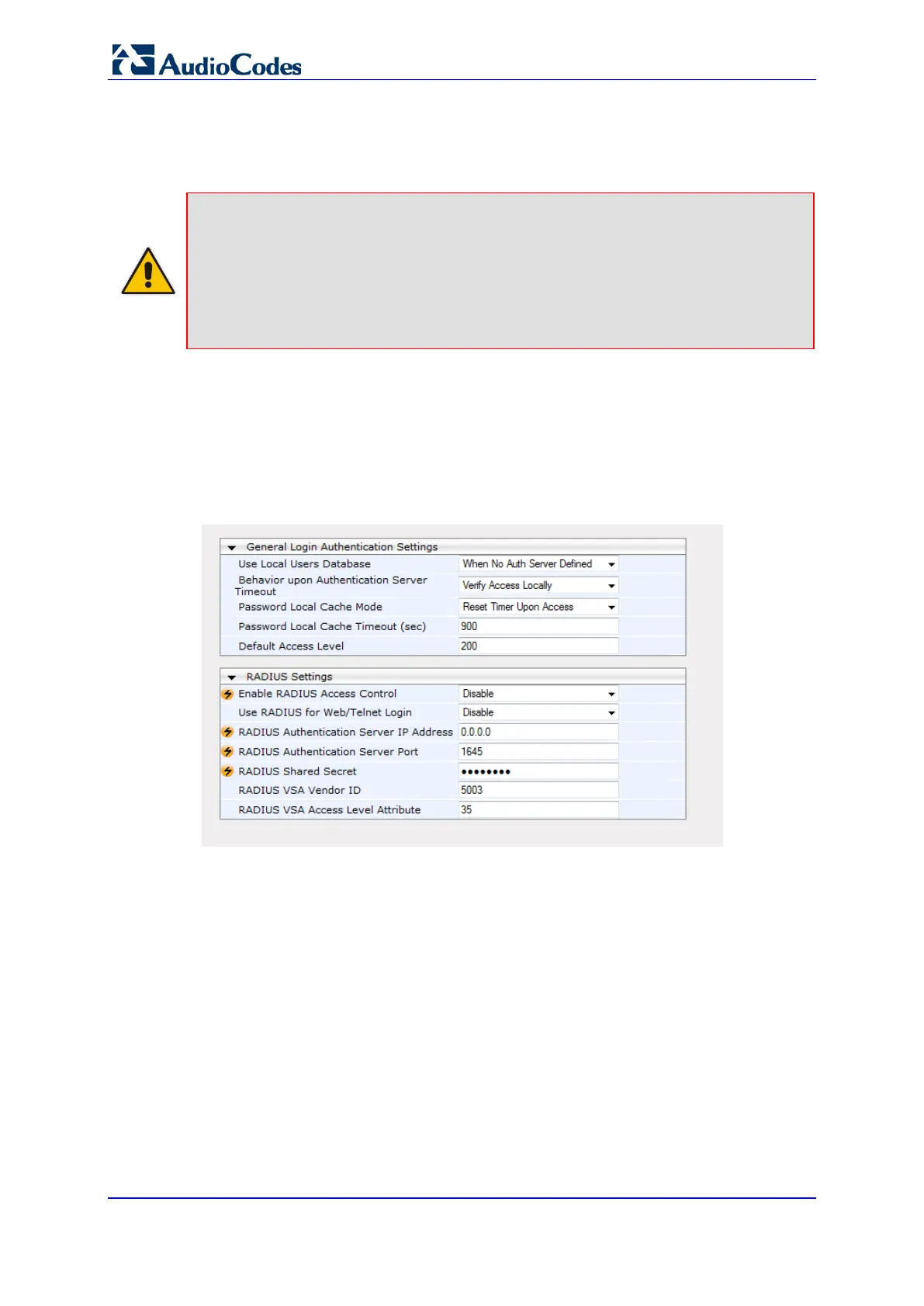
1. Open the RADIUS Settings page (Configuration tab > System menu > Management
> Authentication Settings).
Figure 48: Authentication Settings
2. To configure this page, refer to the Authentication Settings sub-section in the Product
Reference Manual.
3. After configuring/modifying the parameter fields, click the Submit button. The changes
are entered into the system and the page is refreshed.













 To Next Page