User's Manual 6. Configuration Using the Web Interface
Version 6.6 85 MediaPack Series
6.5.1.5.4 SNMP
The device provides an embedded SNMP Agent that allows it to be managed by
AudioCodes Element Management System (EMS) or a third-party SNMP Manager (e.g.,
element management system). The SNMP Agent supports standard Management
Information Base (MIBs) and proprietary MIBs, enabling a deeper probe into the
interworking of the device. The SNMP Agent can also send unsolicited events (SNMP
traps) towards the SNMP Manager. All supported MIB files are supplied to customers as
part of the release.
AudioCodes EMS is an advanced solution for standards-based management that covers all
areas vital for the efficient operation, administration, management and provisioning
(OAM&P) of the device. The standards-compliant EMS uses distributed SNMP-based
management software, optimized to support day-to-day Network Operation Center (NOC)
activities, offering a feature-rich management framework. It supports fault management,
configuration and security.
The following provides configuration relating to SNMP management.
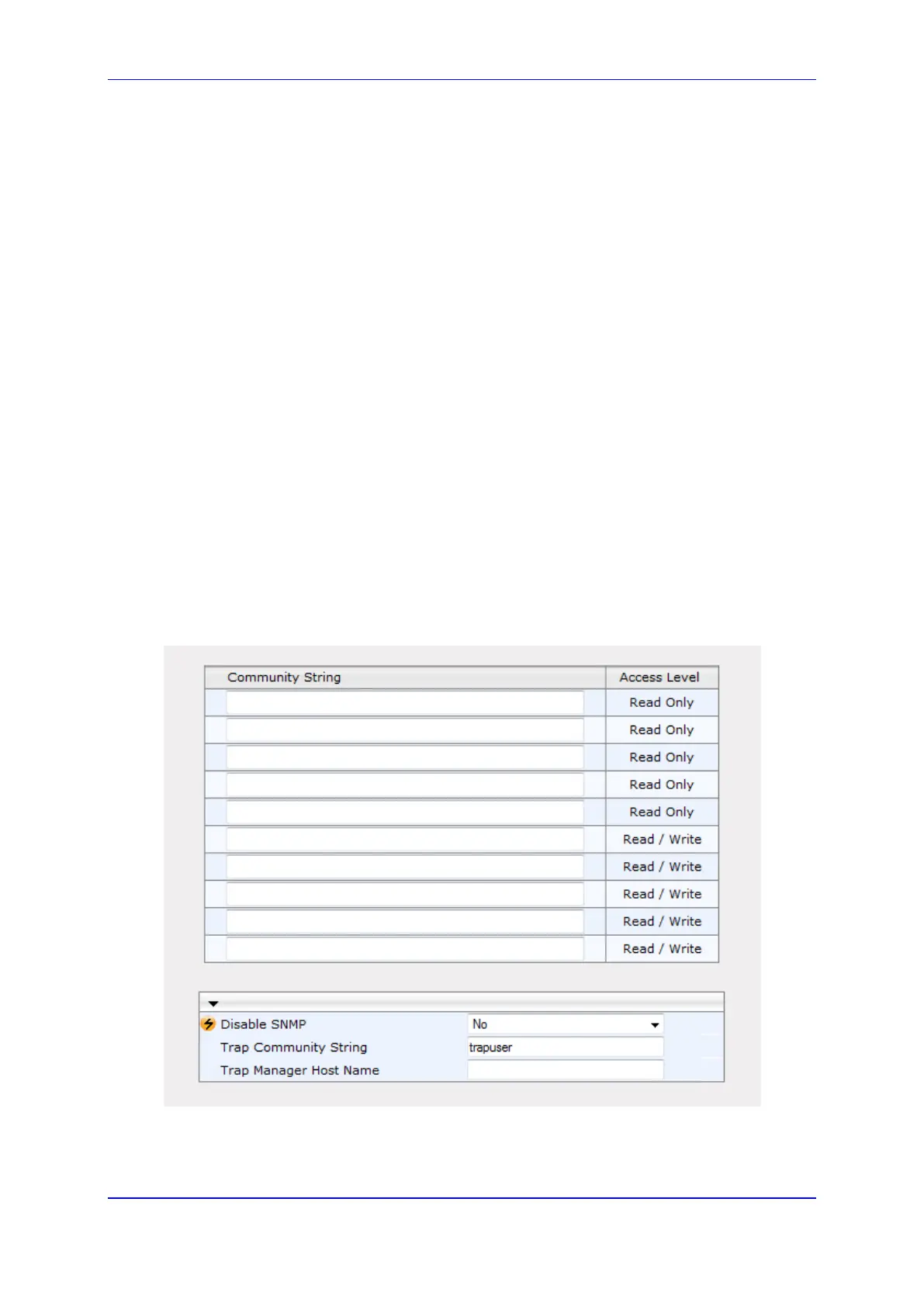
6.5.1.5.4.1 SNMP Community String
A SNMP Community String is a basic form of SNMP security. It describes the association
between an SNMP server and clients This string is like a password that controls the client's
access to the server.
To configure the SNMP Community String:
1. Open the SNMP Community String page (Configuration tab > System menu >
Management > SNMP > SNMP Community String).
Figure 49: SNMP Community Settings













 To Next Page