11
NOTE
The tablet screen is locked by default when first powered on. We recommend you lock
the screen to protect the information in the system and conserve the power.
The touchscreen navigation is menu-driven, enabling quick access to functions and
features by tapping on the buttons on the screen. Detailed descriptions of the menu
items are found in the application chapters.
3.1.1 Application Buttons
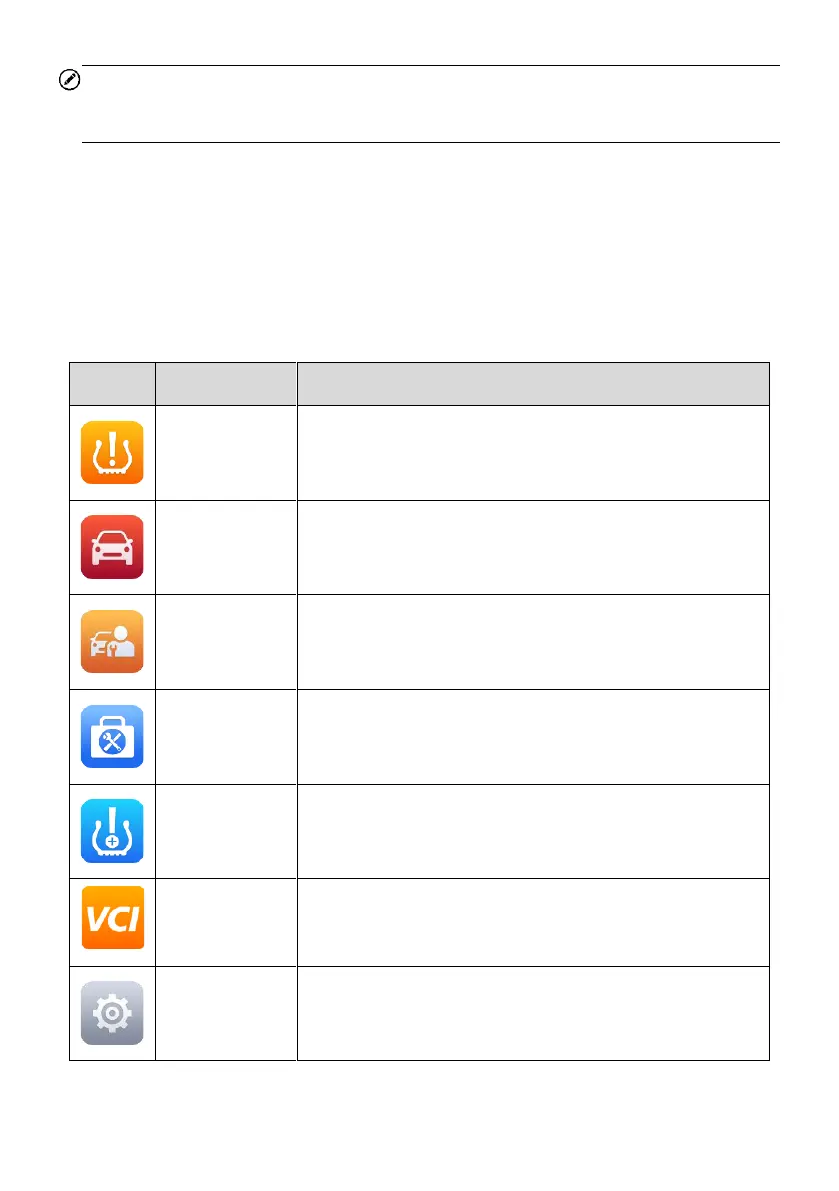
Descriptions of the tool applications are displayed in the table below.
Table 3-1 Applications
Accesses the TPMS service program. See TPMS on
page 16 for details.
Accesses diagnostic functions menu. See Diagnostics
on page 50 for details.
Accesses special functions menu. See Service on page
88 for details.
Accesses auxiliary functions menu for TPMS service.
See ToolKit on page 93 for details.
Allows TPMS to be installed on vehicles. See TPMS
Retrofit on page 94 for details.
Pairs the tablet and MaxiVCI V150. Checks the
communication status and updates the VCI firmware.
See VCI Manager on page 96 for details.
Accesses the MaxiTPMS system settings menu and
general tablet menu. See Settings on page 100 for
details.














 To Next Page