79
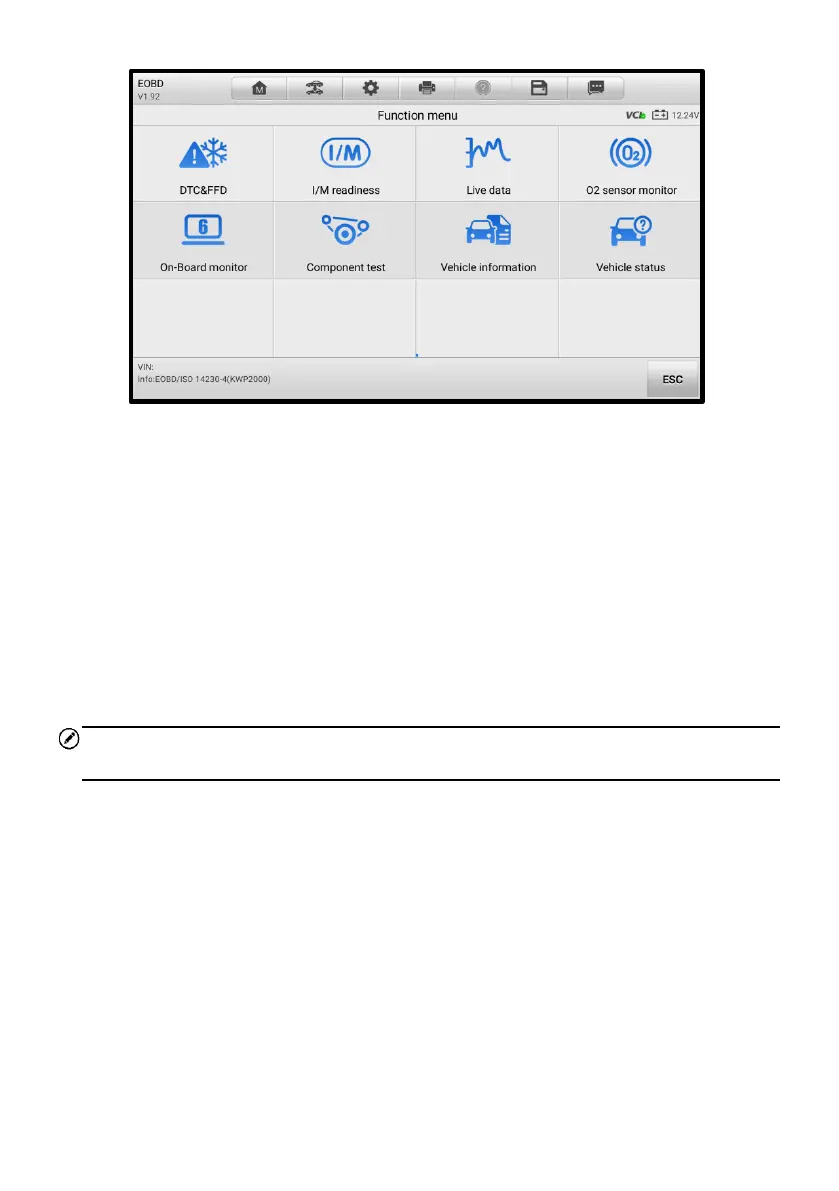
Figure 5-24 OBDII Diagnostic Menu
4. Select a function to continue.
⚫ DTC & FFD
⚫ I/M Readiness
⚫ Live Data
⚫ O2 Sensor Monitor
⚫ On-Board Monitor
⚫ Component Test
⚫ Vehicle Information
⚫ Vehicle Status
NOTE
The supported functions may vary by vehicles.
5.7.2 Function Descriptions
This section describes the various functions of each diagnostic option:
5.7.2.1 DTC & FFD
When this function is selected, the screen displays a list of stored and pending codes. A
snowflake icon will display on the right side of the DTC item when the freeze frame data
is available for viewing.














 To Next Page