38
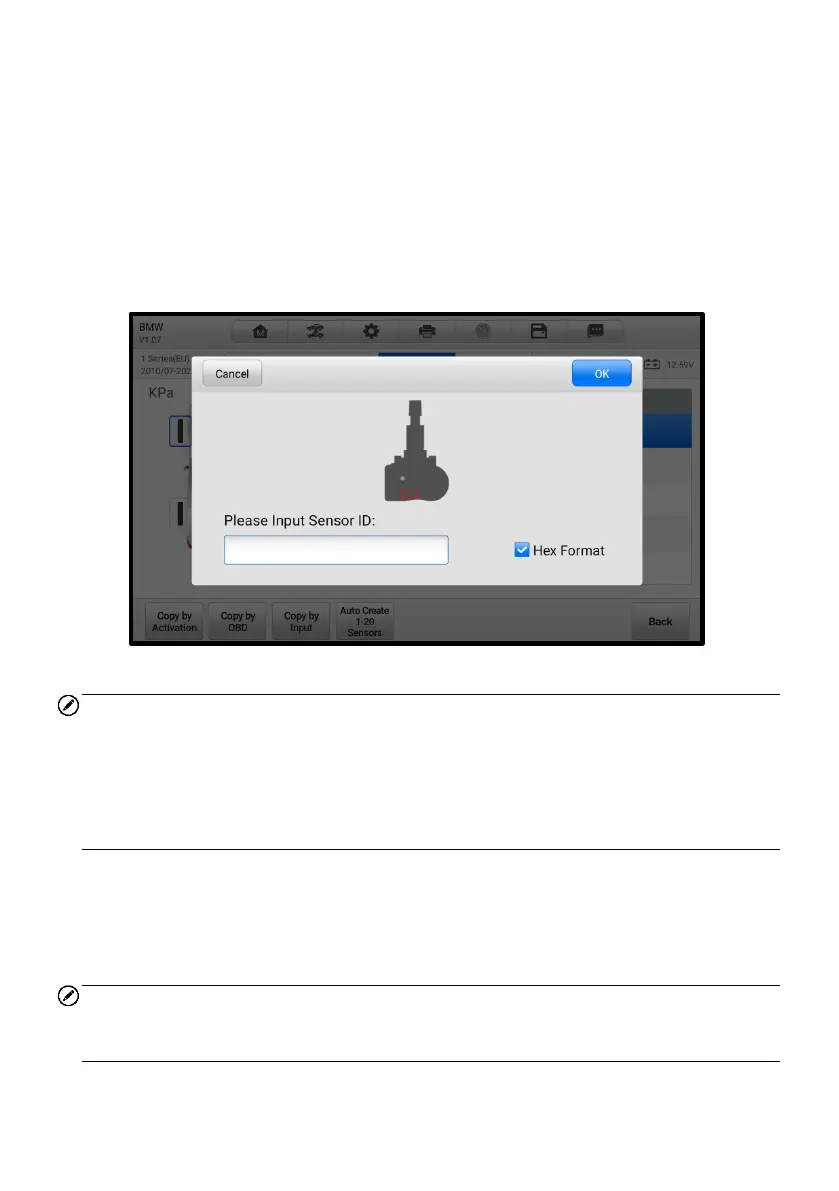
4.7.3 Copy by Input
The Copy by Input function allows users to program a new MX-Sensor with the ID of an
original TPMS sensor.
➢ To copy by input
1. Select one sensor position and place an MX-Sensor near the TPMS antenna
of the tablet, then tap Copy by Input to program the new MX-Sensor.
2. When the input box displays, enter the ID of the original sensor, then tap OK
when finished.
Figure 4-29 Copy by Input Screen
NOTE
1. Sensor either has a hexadecimal format or a decimal format. A warning message
will display if too many characters are entered.
2. The Copy by Input programming method uses the ID of the original sensor that is
already stored within the TPMS ECU and therefore does not require the sensor be
relearned if the new programmed sensor has been put in the same position.
4.7.4 Auto Create 1-20 Sensors
The Auto Create 1-20 Sensors function is used to automatically create a random
sensor ID to program a new MX-Sensor.
NOTE
To use this function, there is no need to activate the original sensor or retrieve the
original sensor IDs from the TPMS ECU.














 To Next Page