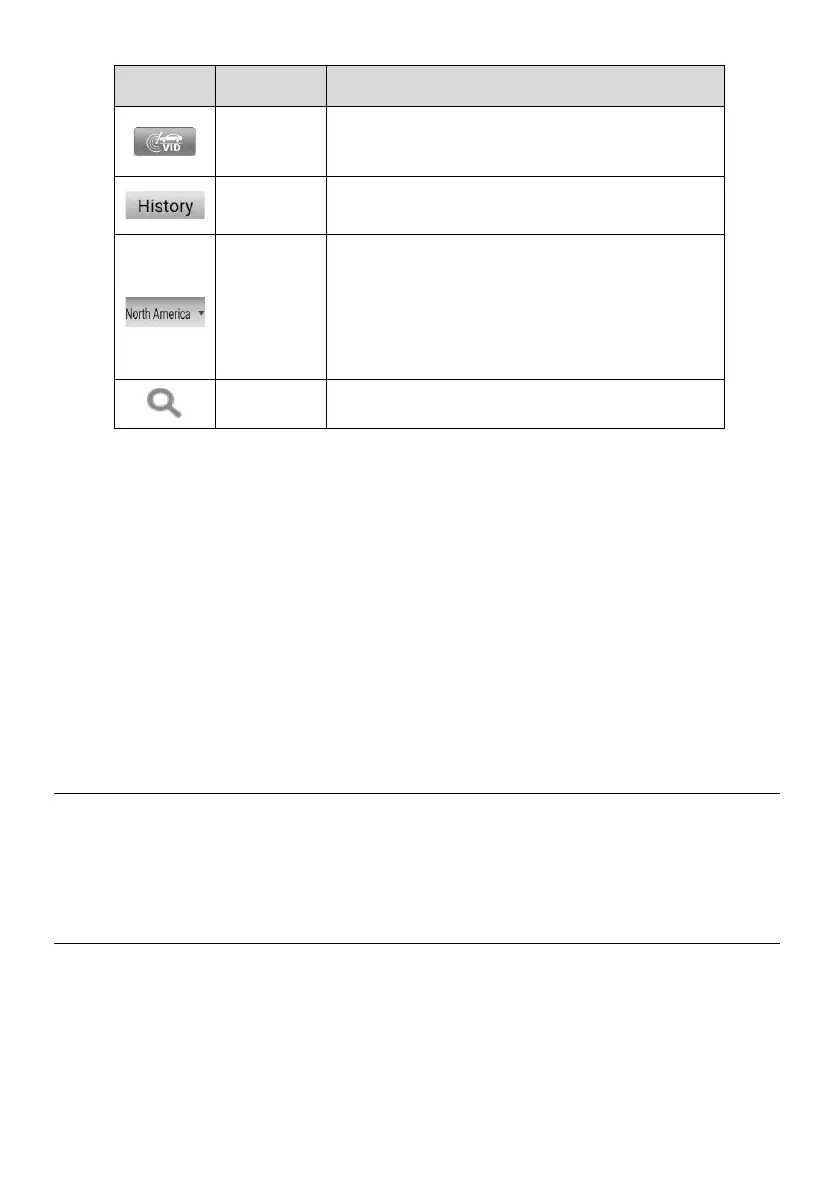
Tap the drop-down button to select the correct
market, then the vehicle manufacturer icons of
the selected market will be displayed.
Note: Please double check whether the market
is selected correctly if the vehicle cannot be
found.
2. TPMS Service Access Methods
⚫ OEM Part NO.
⚫ Vehicle Manufacturer Buttons
OEM Part NO.
Refer to TPMS by OEM Part NO. on page 45 for details.
Vehicle Manufacturer Buttons
Select the required vehicle manufacturer and follow the on-screen instructions to select
vehicle information step by step to start a TPMS service session.
4.2 Connecting Tablet to Vehicle
Prior to performing TPMS function, you need to connect the tablet to vehicle. For how
to establish a connection between the tablet and vehicle, see Establishing Vehicle
Communication on page 50 for details.
4.3 Vehicle Selection
There are five accesses to identify the test vehicle:
⚫ Auto Detect
⚫ Manual Input














 To Next Page