19
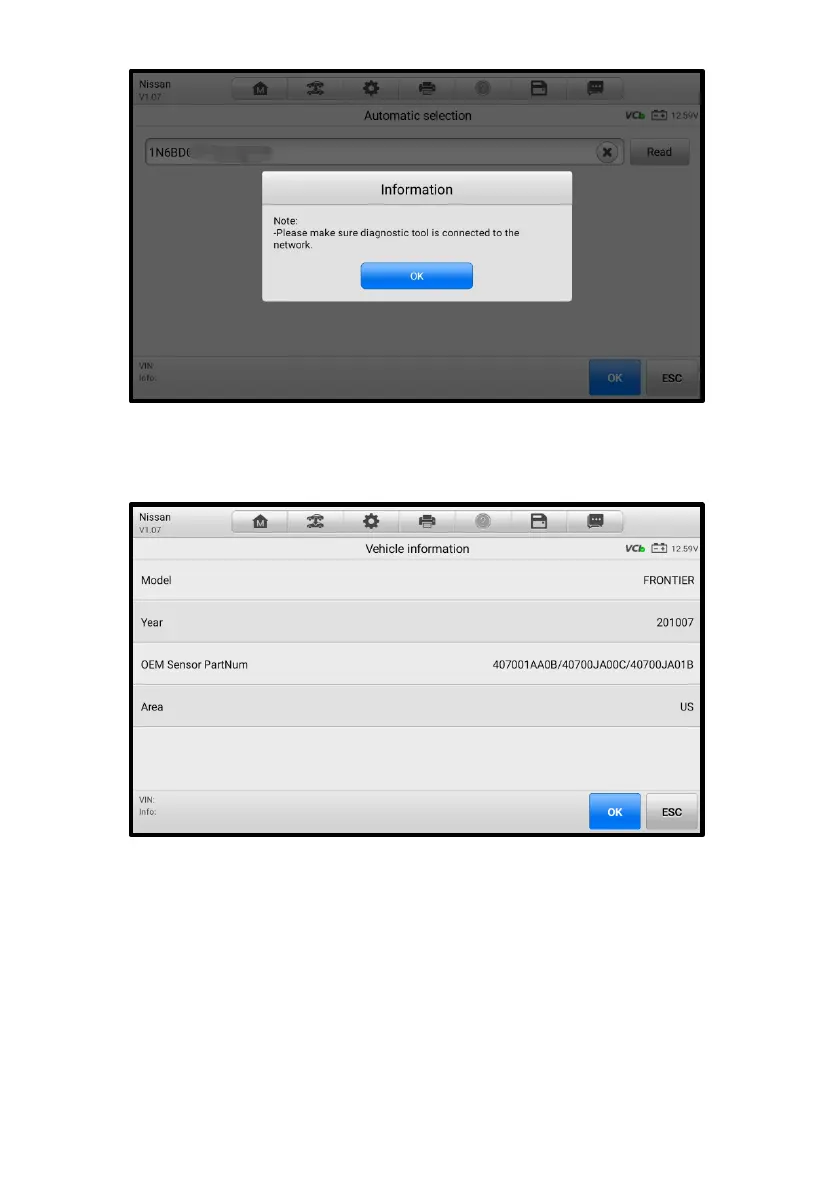
Figure 4-3 Auto Detect in TPMS Application
4. Tap OK to confirm the vehicle information such as Model, Year, OEM Sensor
Part NO., and Area, or tap ESC to return to the previous screen.
Figure 4-4 Vehicle Information in TPMS Application
5. The TPMS Service screen will display. See Figure 4-14 TPMS Service
Screen.
4.3.2 Manual Input
For vehicles not supporting the Auto Detect function, you may manually enter the
vehicle VIN.














 To Next Page