52
⚫ Incorrect vehicle identification was entered.
5.2 Getting Started
Ensure a communication link is established between the test vehicle and tablet via the
MaxiVCI V150.
5.2.1 Vehicle Menu Layout
When the tablet is properly connected to the vehicle, the platform is ready to start
vehicle diagnosis. Tap the Diagnostics application button on the MaxiTPMS Job Menu
to access the Vehicle Menu.
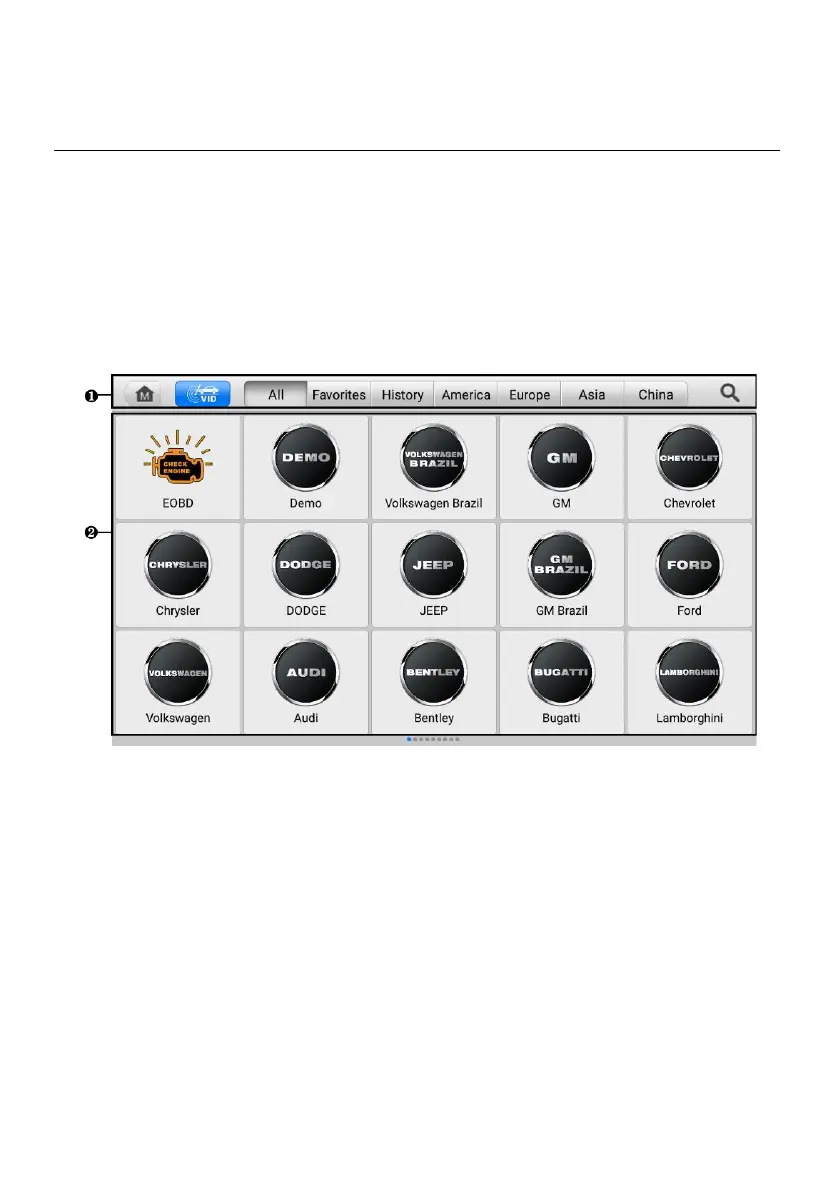
Figure 5-1 Vehicle Menu
1. Top Toolbar Buttons
2. Vehicle Manufacturer Buttons
5.2.1.1 Top Toolbar Buttons
The operations of the toolbar buttons at the top of the screen are listed and described in
the table below.














 To Next Page