83
5.8.2 Diagnostics Report Saving, Viewing, and Sharing
The diagnostic report can be reviewed, saved, and shared with others through many
ways.
5.8.2.1 Diagnostics Report Saving
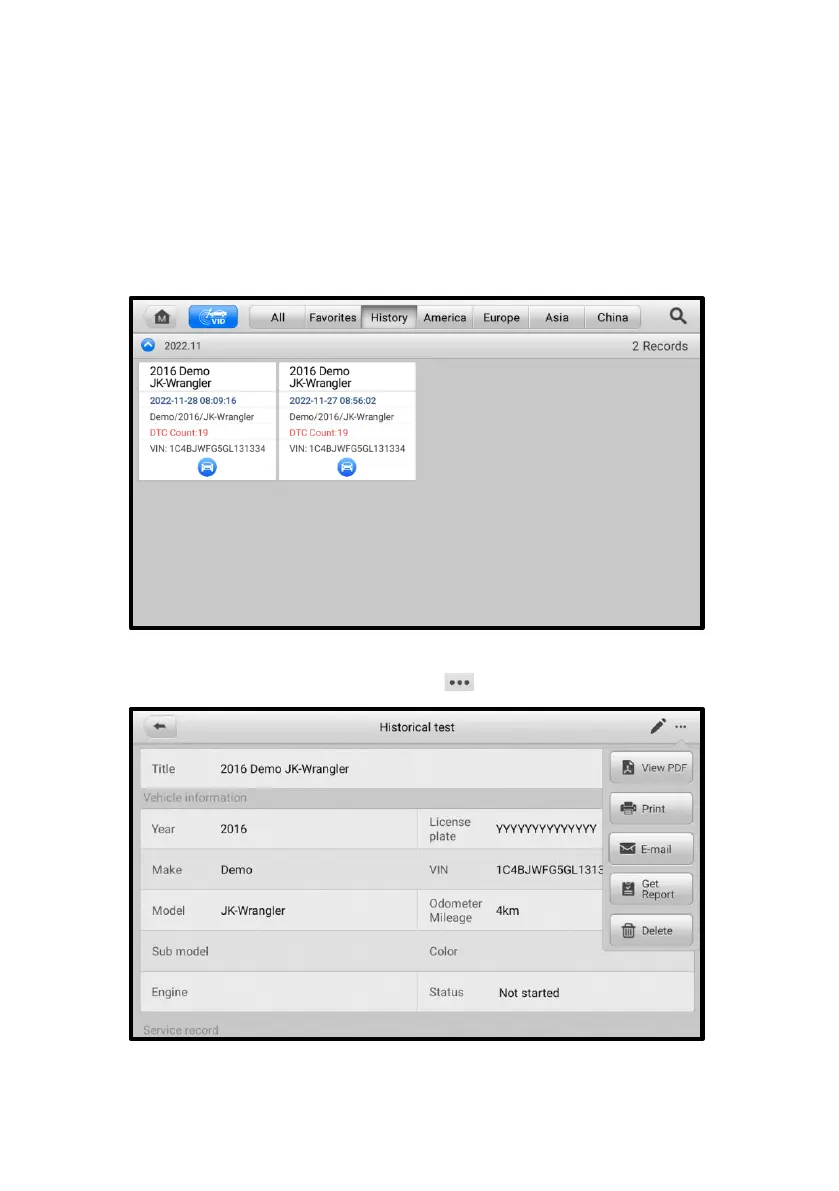
⚫ Via the History function
1) Enter the main screen of the Diagnostics application, and tap History on the
top toolbar.
Figure 5-26 History Screen
2) Select a history record, and tap the button on the upper-right corner.
Figure 5-27 Historical Test Screen














 To Next Page