22
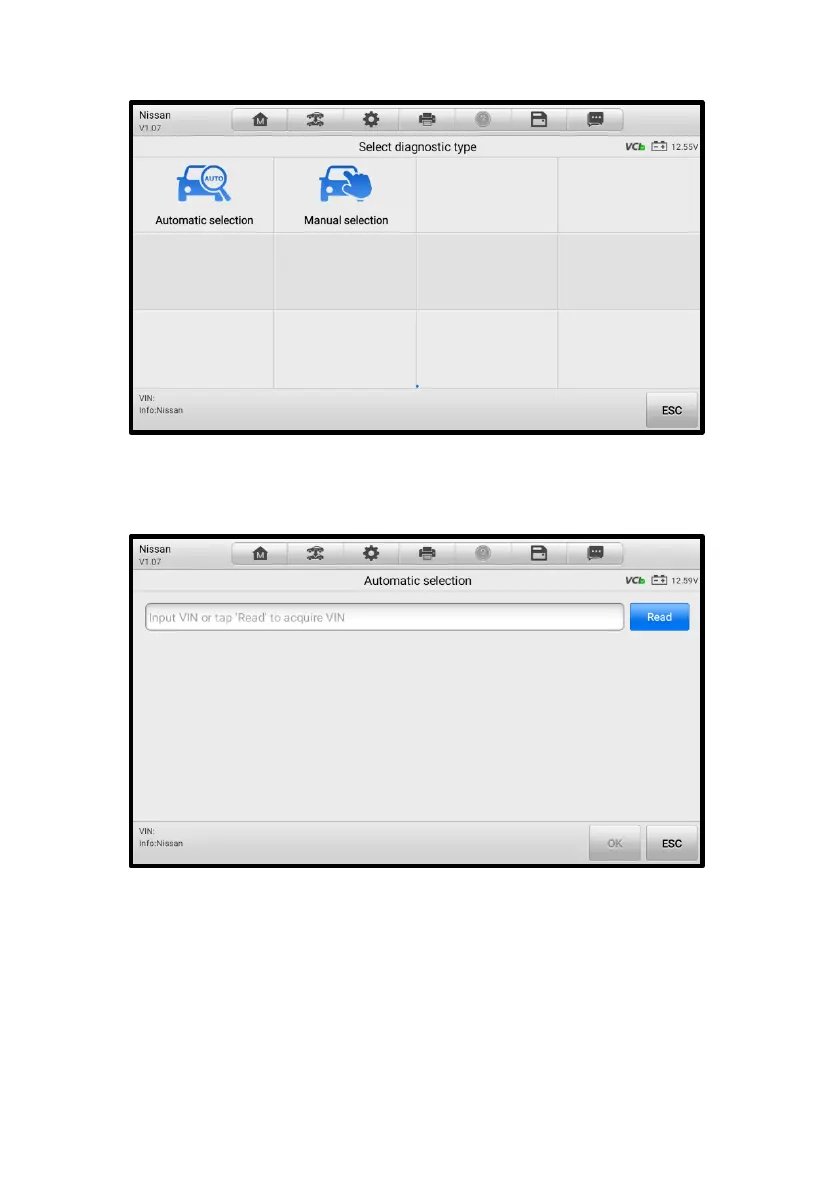
3. Tap Automatic Selection on the Select Diagnostic Type screen.
Figure 4-7 Selection Screen in TPMS Application
4. Tap Read to automatically acquire the VIN, or you can manually input the VIN
information. If the VIN is correct, tap OK to proceed.
Figure 4-8 Automatic Selection in TPMS Application
5. Follow the on-screen instructions to confirm the vehicle information and finally
enter the TPMS Service screen. See Figure 4-14 TPMS Service Screen.
4.3.5 Manual Selection
You can also tap Manual Selection on the Select Diagnostic Type screen to select the
vehicle information like model and year step by step.














 To Next Page