36
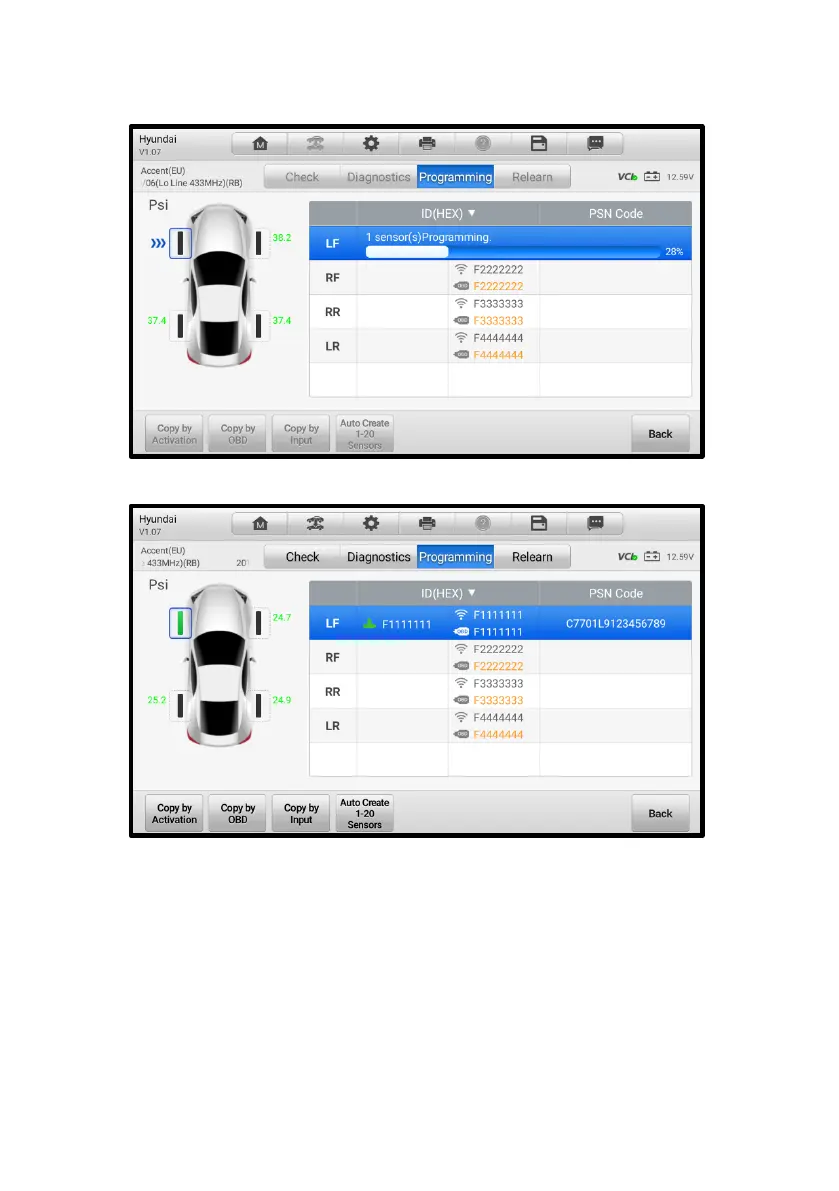
3. Place the MX-Sensor near the TPMS antenna of the tablet and tap OK to start
programming the retrieved sensor ID to the MX-Sensor.
Figure 4-26 Copy by Activation Screen
Figure 4-27 Copy by Activation Complete Screen
4. When the programming is complete, the programmed ID will display in the
column to the right of the wheel designation. In the pictured example, the new
ID is displayed to the right of the LF column.














 To Next Page