58
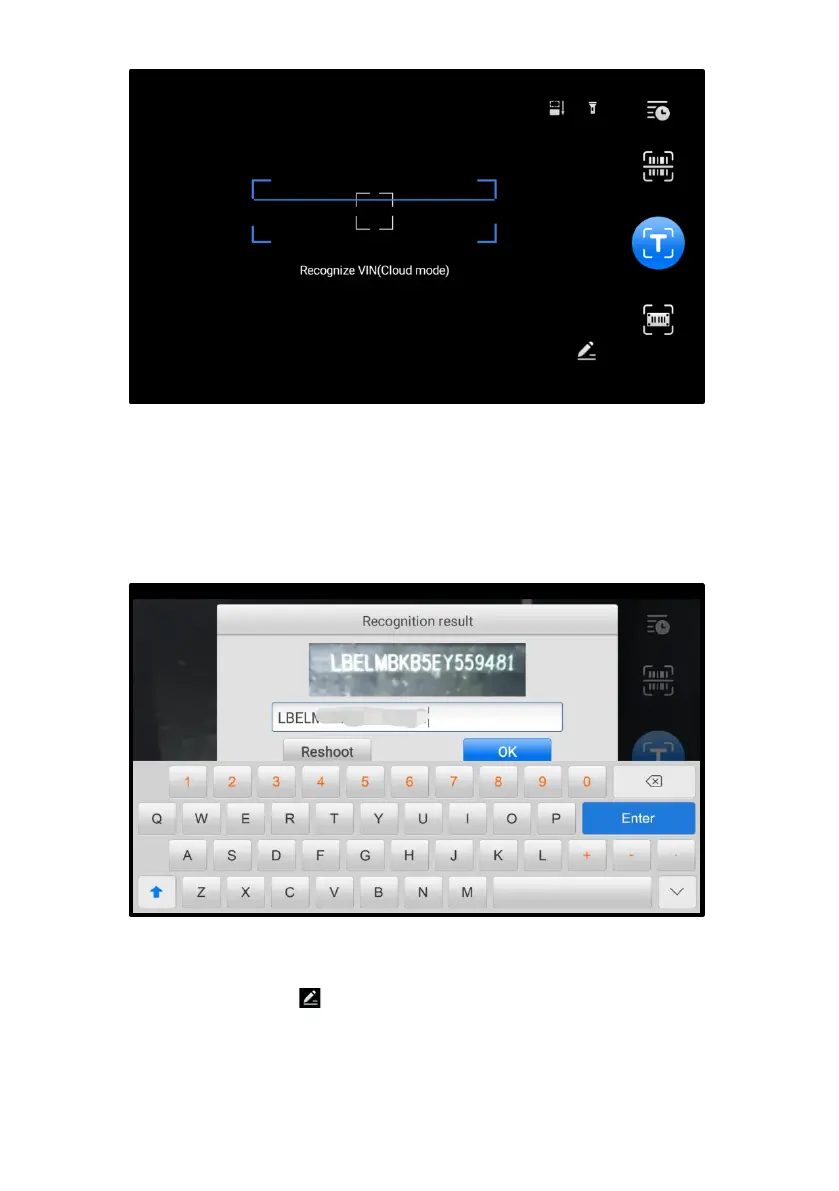
Figure 5-7 Scan VIN/License 1
5. Select one of the three options and position the tablet to align the VIN, or
license numbers, or the barcode within the scanning window. The scan result
will display in the dialog box of the Recognition Result screen. Tap OK to
confirm the result, and then the vehicle information confirmation screen will
display on the tablet.
Figure 5-8 Scan VIN/License 2
6. If the VIN, or license number, or barcode cannot be scanned, you can input
manually. Tap the button on the bottom-right corner of the screen to display
the screen for manually input. (The illustration below is the Enter VIN screen.)
After entering correct VIN, tap OK to continue.














 To Next Page