77
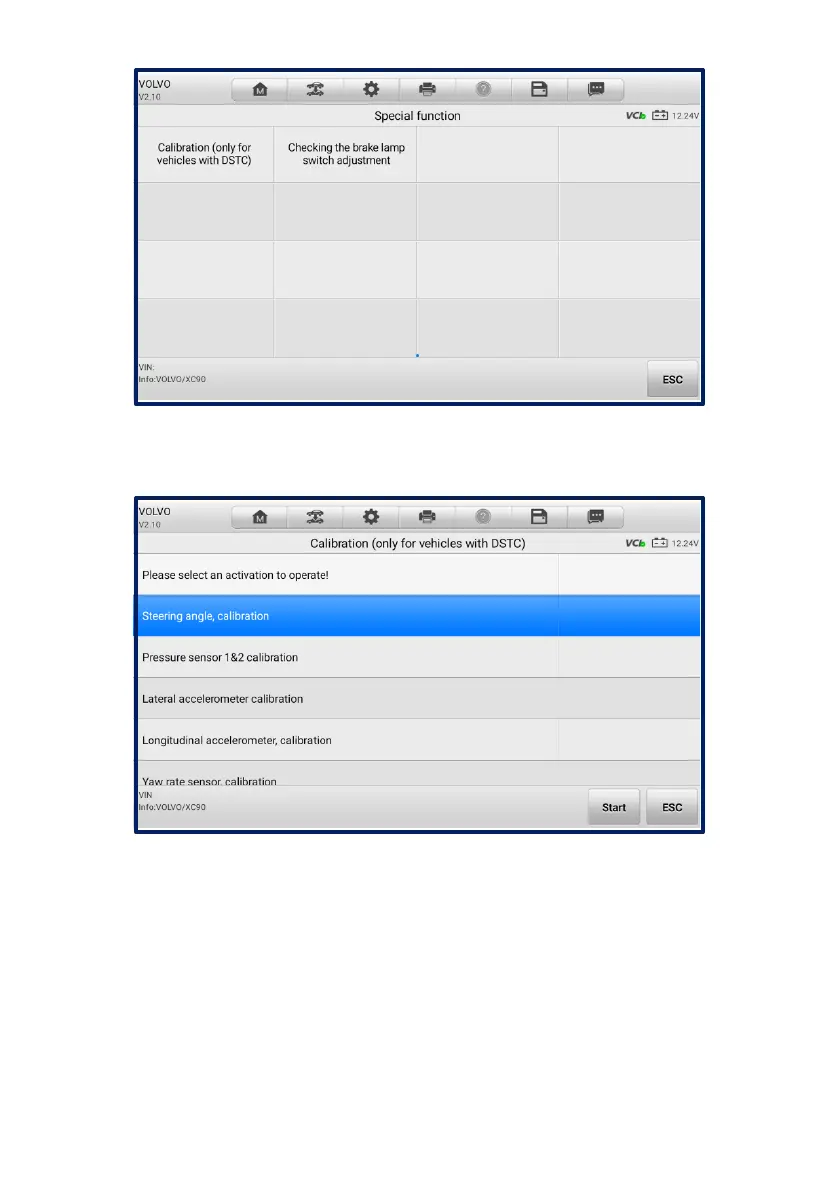
Figure 5-22 Special Function Screen 1
Select a function to display detailed information and the execution screen.
Figure 5-23 Special Function Screen 2
List Tab Page:
⚫ Column 1 — displays the description of the function being performed or the live
data corresponding to the special function.
⚫ Column 2 — displays the measurement units of the live data.
Tap a function button to perform the selected function or exit the function.














 To Next Page