85
5.8.2.3 Diagnostics Report Cloud Sharing
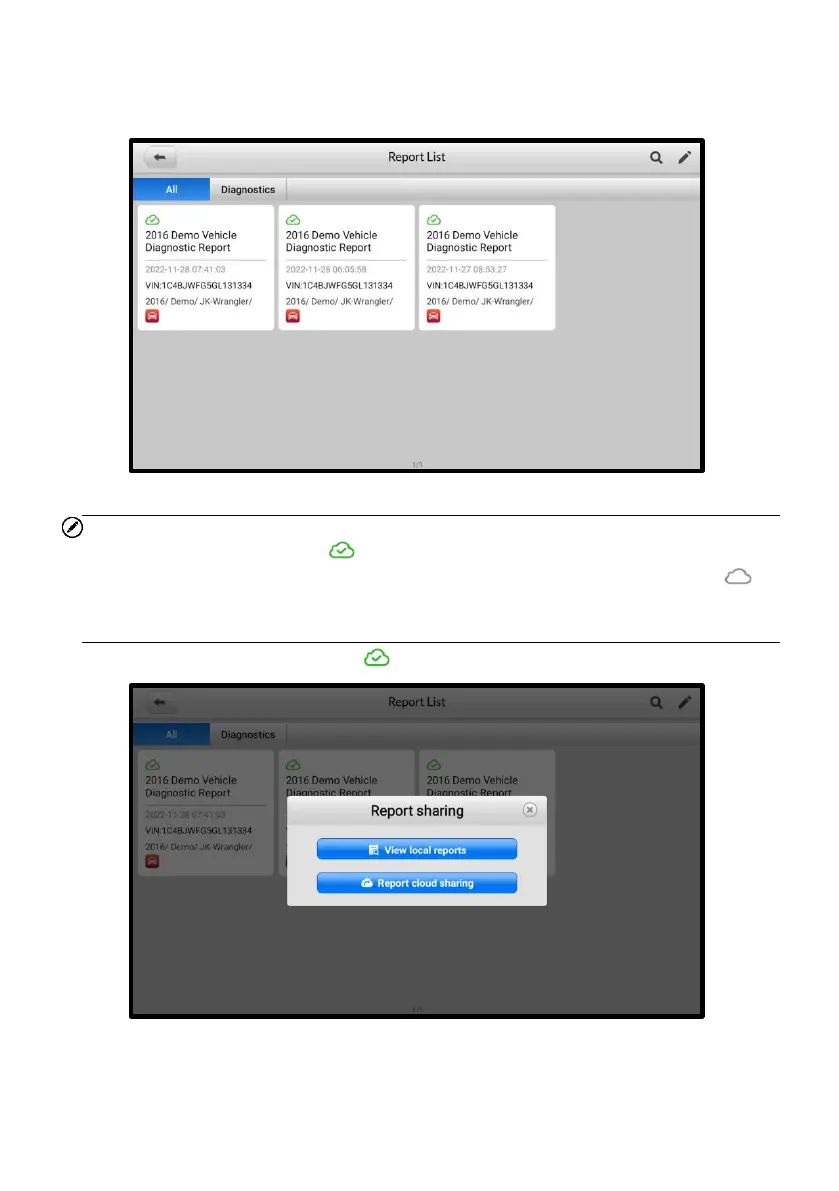
1. Tap Data Manager > Report to enter the Report List screen.
Figure 5-29 Report List 1
NOTE
Note that if the report displays , it means the report has been uploaded to the cloud
successfully, and you can share the report with others; if the report displays , it
means the report has failed to upload to the cloud, but will try to automatically upload to
the cloud when entering the Report again.
2. Tap on the report that displays , then select Report Cloud Sharing.
Figure 5-30 Report List 2














 To Next Page