16
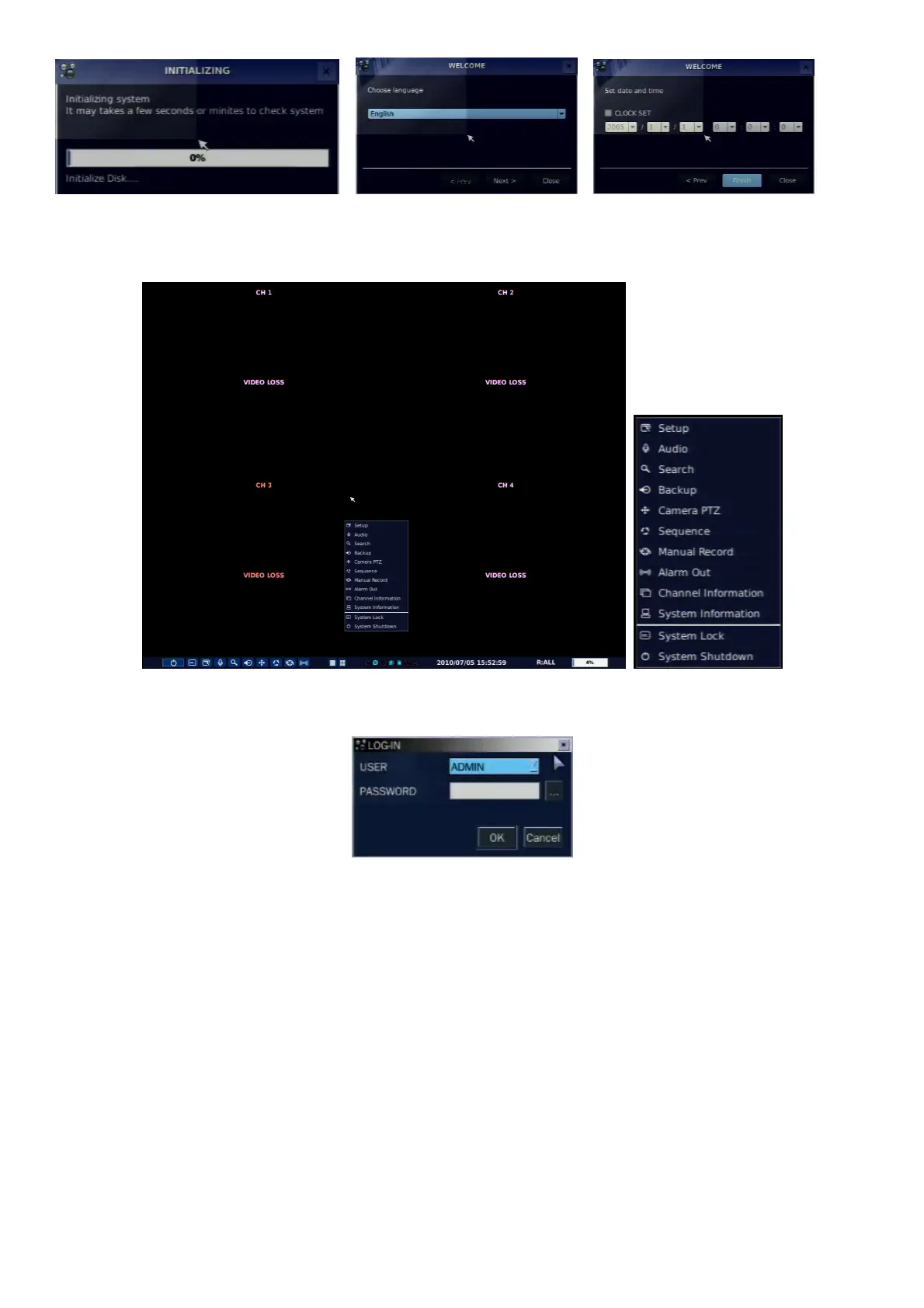
To enter the setup menu, select a right button of the mouse or press the SETUP button on the remote
control.
Table 3.1.1. Setup menu tree
Then password input screen will be displayed. User can select a password by pressing a small square box
next to a password input box. The factory default password is 1111. It is highly recommended to assign a
new password to protect the system. User can assign a new password in SECURITY setup menu.
DISPLAY
– OSD
– OSD CONTRAST
– SEQUENCE
– SEQUENCE DWELL TIME
– CHANNEL
- NAME
- COVERT



 To Next Page