63
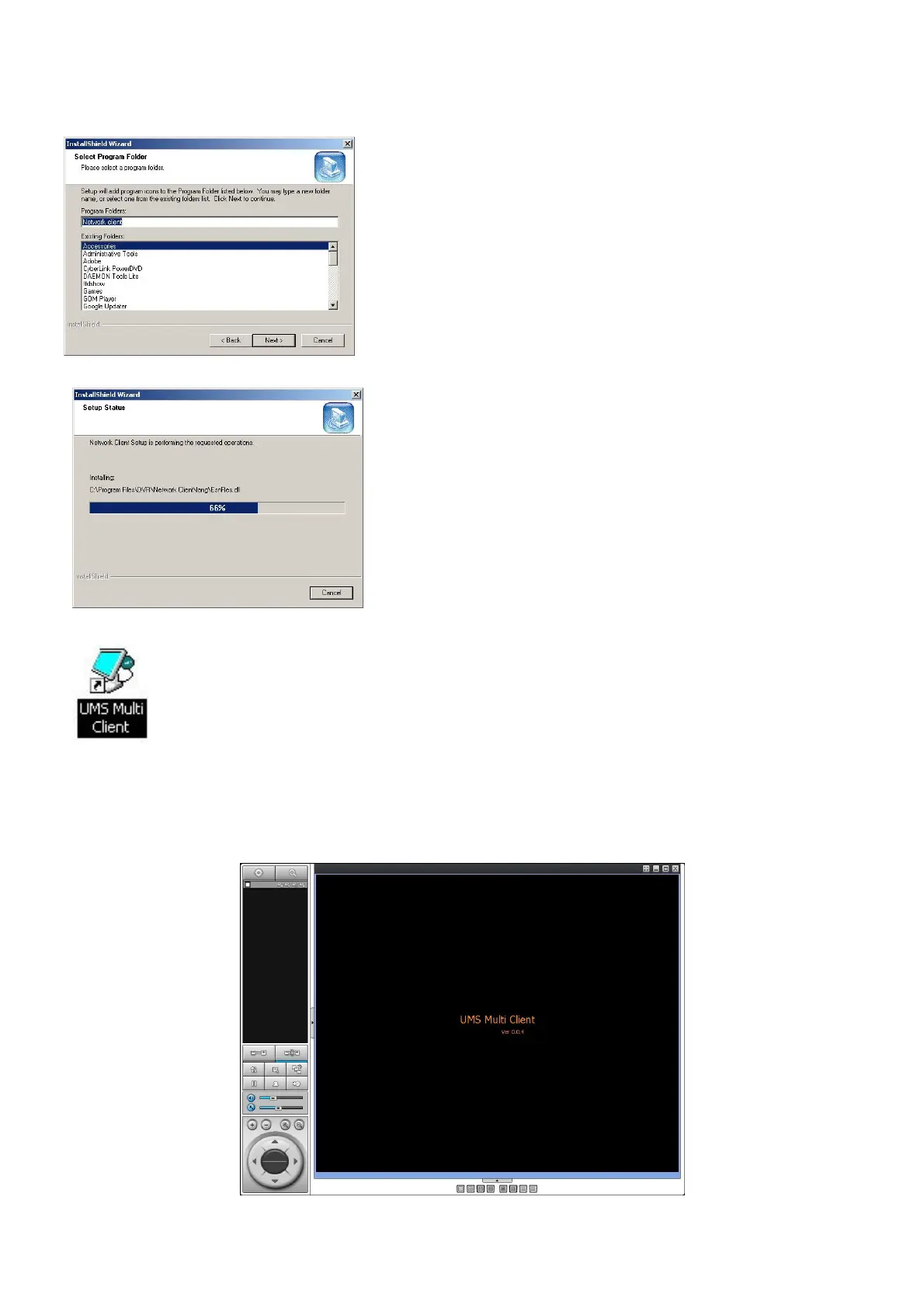
3. Select the program folder and click “Next”.
4. The setup status screen is displayed.
5. After the installation is completed, “UMS Multi Client” icon displays on the desktop screen.
9-4. Live Window
When installation is completed, double click the “UMS Multi Client” icon on your desktop to start the
program.
9-4-1. Main user interface



 To Next Page