44
Indicates that alarm is set. To set the alarm function, press the Alarm button
on the front panel.
Indicates that alarm output is activated.
Alarm indicator. When there is an alarm (sensor or motion alarm) in the
video channel, this icon will be highlighted bright red.
Indicates that a network client is connected to the DVR.
Indicates that sequencing mode is enabled.
/
4-2. SEARCH Screen
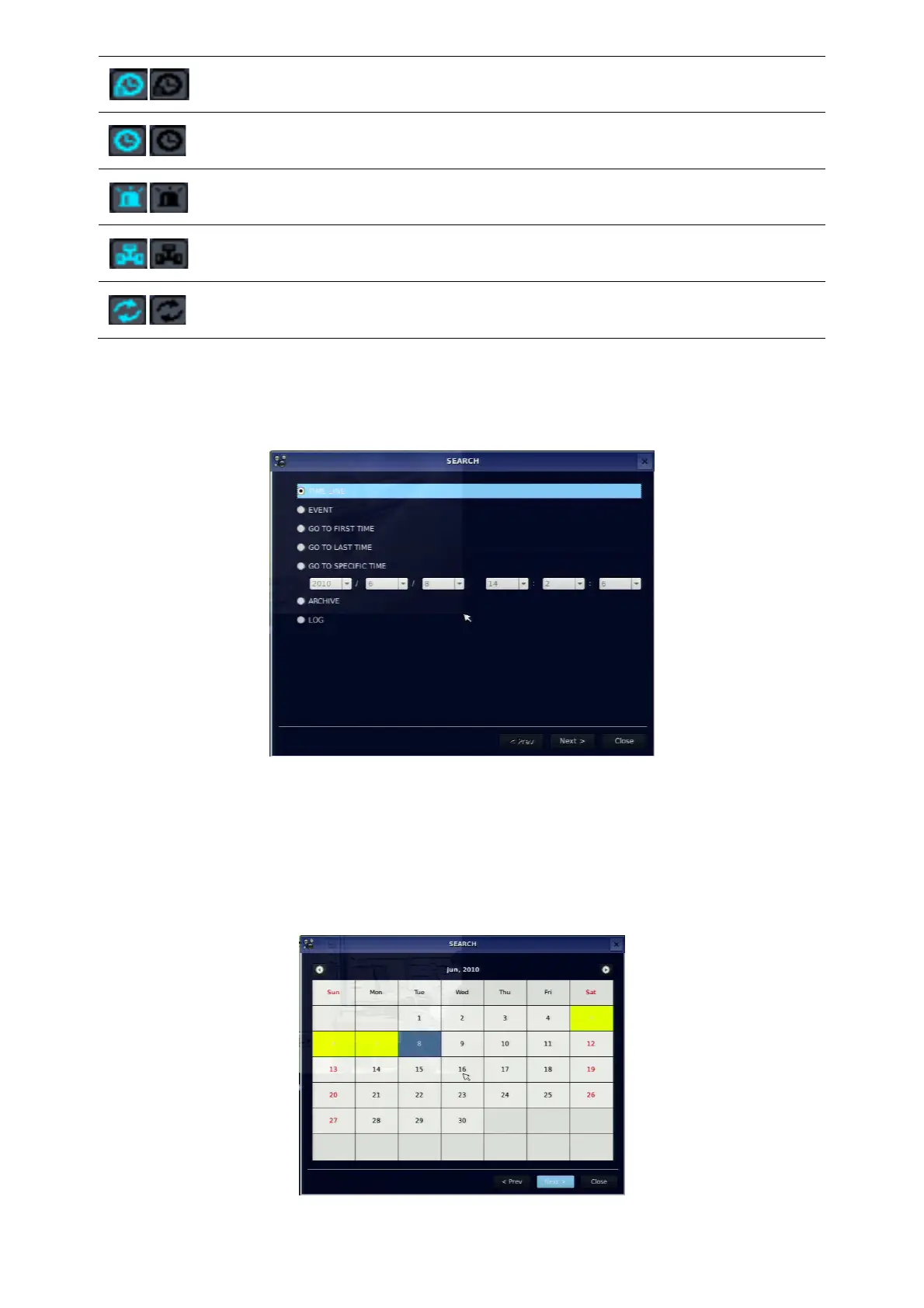
To enter the search screen, select SEARCH menu on the screen using the mouse or press SEARCH icon
on live screen.
Figure 4.2.1. Search Screen
There are 7 ways of search menu such as TIMELINE, EVENT, GO TO FIRST TIME, GO TO LAST TIME,
GO TO SPECIFIC TIME, ARCHIVE and LOG on the screen.
4-2-1. TIME-LINE Search
The TIME-LINE search window is used to find the stored video by using the time line bar.



 To Next Page