40
3-9. Setup - CONFIG Mode
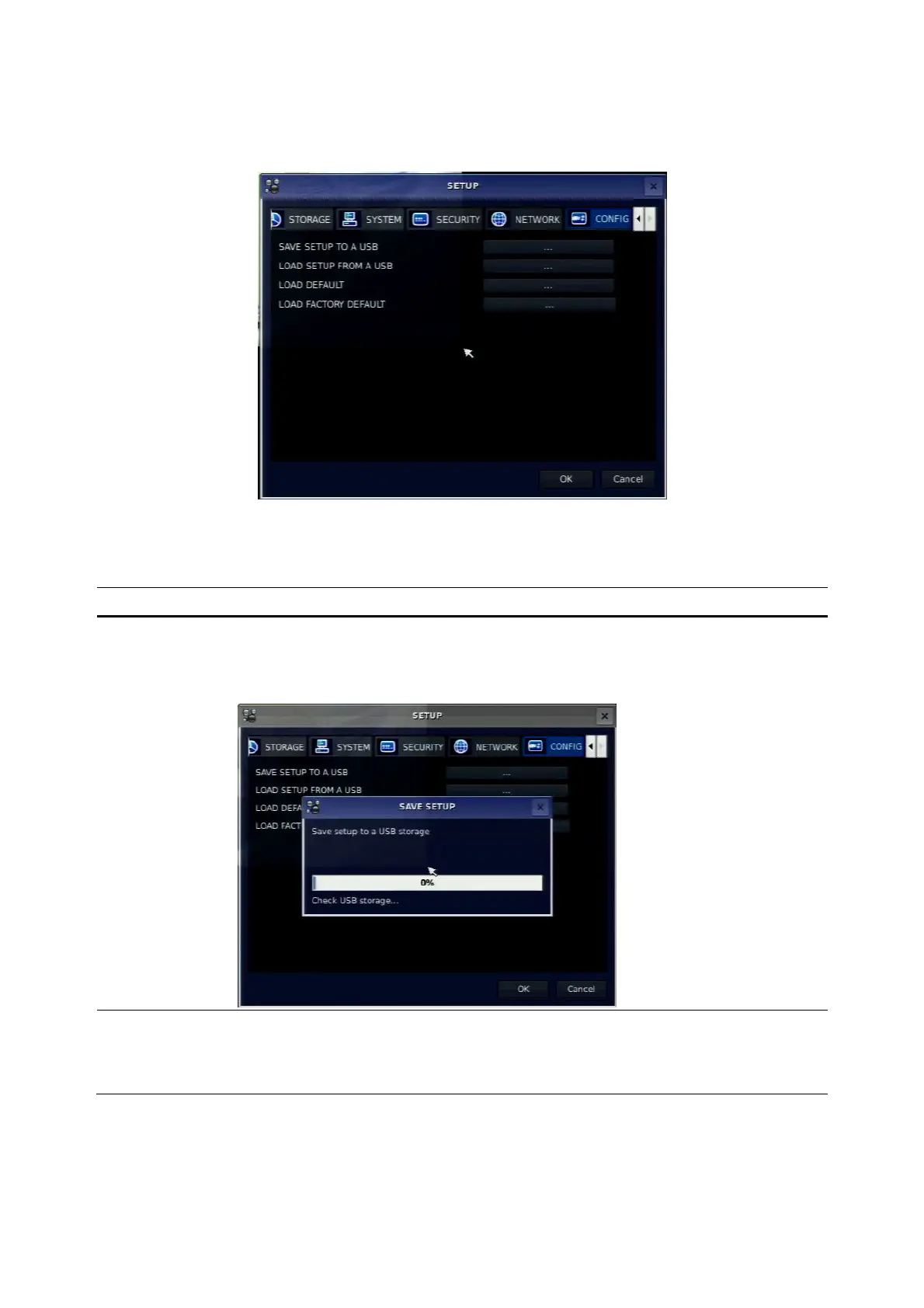
Press the SETUP button and select CONFIG icon. Then, the config menu is displayed as picture below.
Navigate through the menu items using the control button (◀ ▲ ▶ ▼) and change the value of the menu
item using the control button (◀ ▲ ▶ ▼). To return to setup menu screen, press the ESC button
Figure 3.9.1. Config setup screen
Table 3.9.1. Config setup
Item Description
SAVE SETUP
TO A USB
User can save the current configuration (Setting values) of DVR to the USB
memory stick. Put the USB stick on the front panel and press SEL to start
the saving process.
LOAD SETUP
FROM A USB
User can upload the configuration of DVR to another DVR using the USB
Memory stick. Put the USB stick on the front panel and press SEL to start
the loading process.



 To Next Page