53
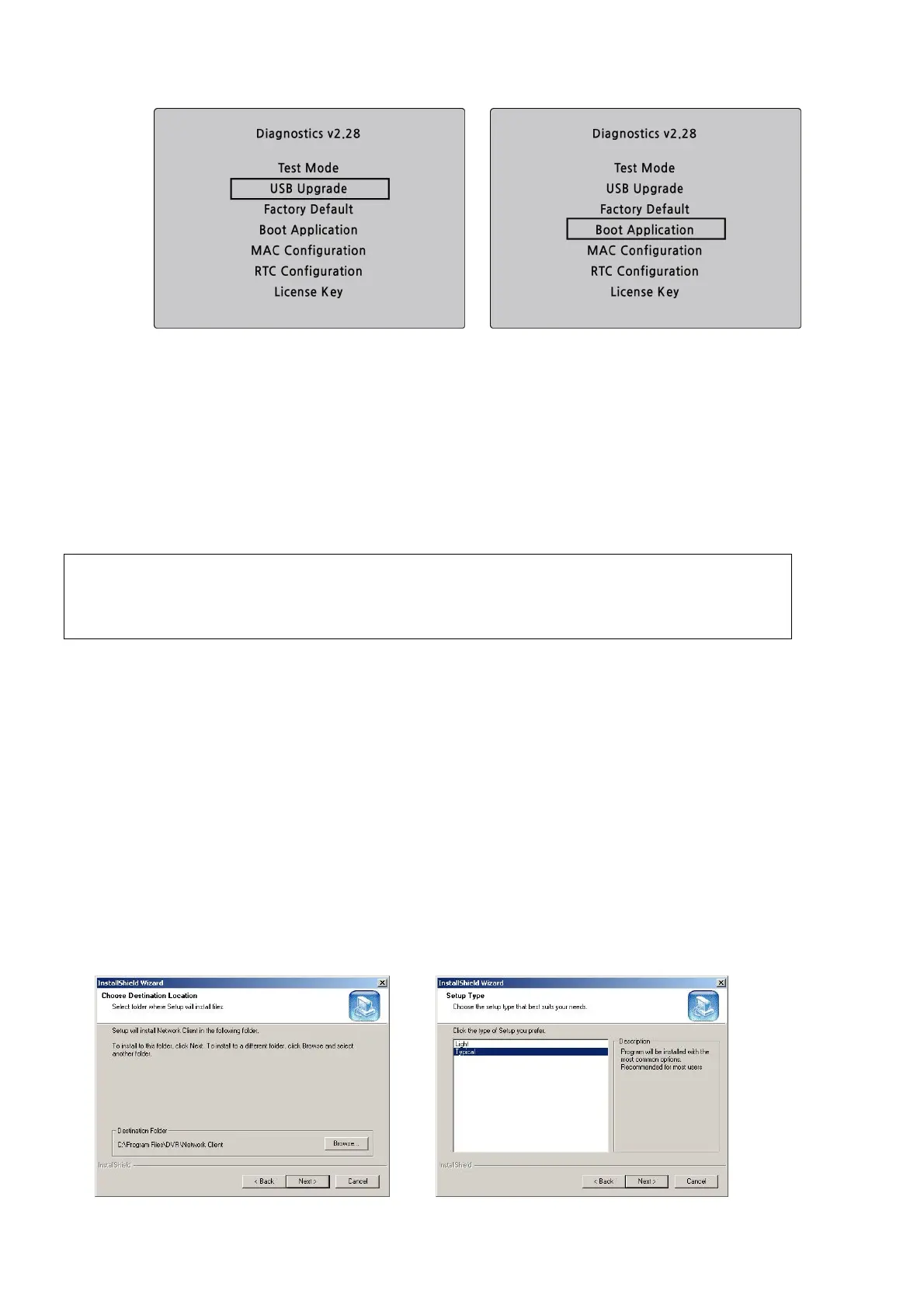
Figure 7.1. Engineering mode screen
8. Network access using the Exclusive network viewer, UMS single
The DVR provides a live remote monitoring feature. Remote monitoring requires installation of the network
viewer on your PC.
NOTICE
In a high bandwidth network, a maximum of four users can access one DVR simultaneously.
In a low bandwidth network it is recommended that only one user access the DVR at a time.
8-1. PC requirements
CPU: Intel Pentium Ⅳ 1.4Ghz or higher
Memory: 512MB (1GB or higher is recommended.)
VGA memory: 16MB (64MB or higher is recommended.)
Resolution: 1024x768
O/S: Windows 2000, XP Professional, XP home
Direct X: DirectX 8.1 or higher
8-2. Installing the network viewer
1. Insert the provided CD in the CD drive and double-click “UMSClient(XXXX).exe”
2. Select a destination folder and click “Next”.
3. Select the type and click “Next”.



 To Next Page