5
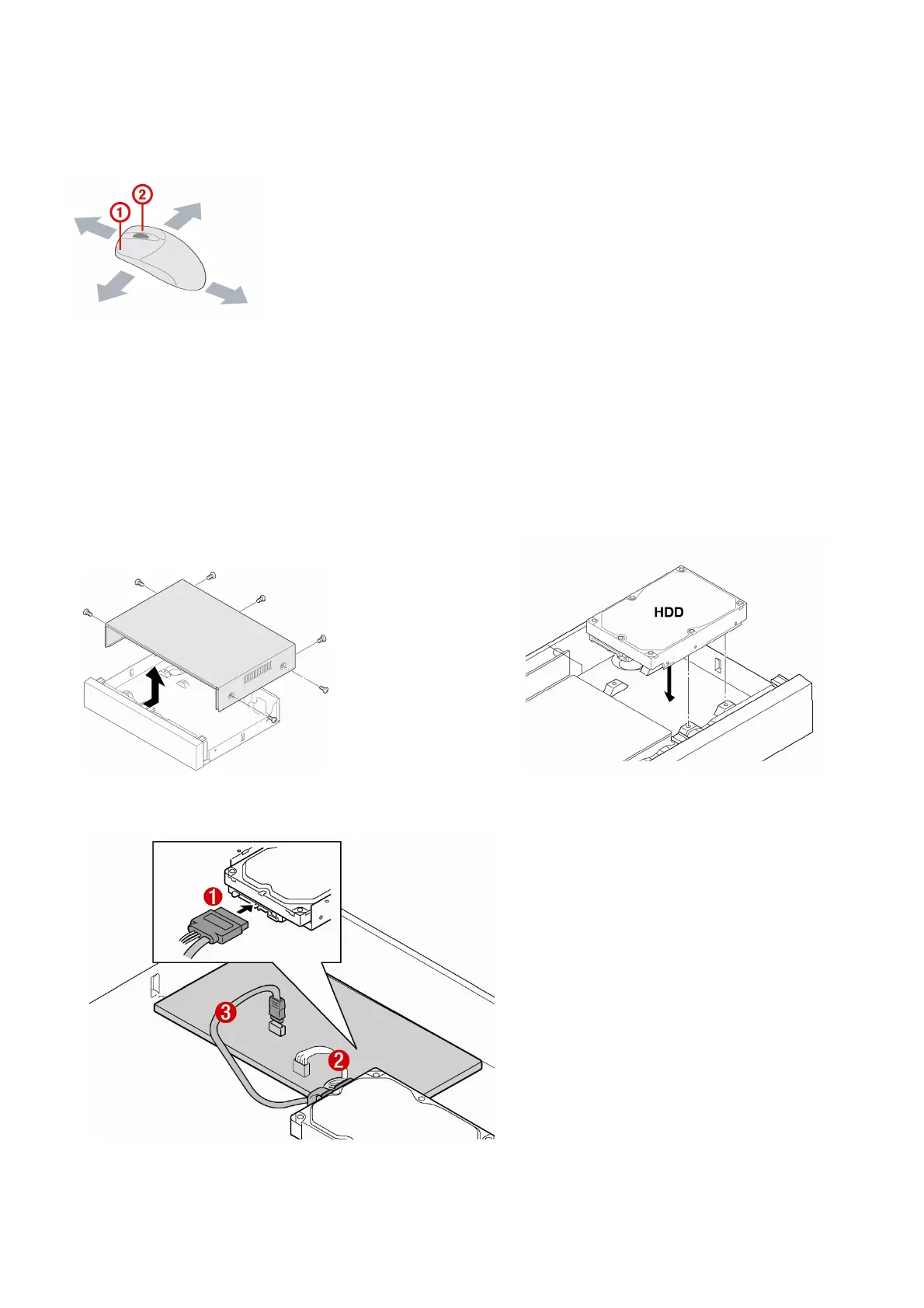
Basic function of the MOUSE
① : Left button: SELECT function
② : Wheel: MOVEMENT function on a drop-down menu
Mounting the HARD DISK
1. Unfasten the cover of the unit. 2. Fix the hard disk on the bottom of the system
using the supplied mounting screws.
3. Connect the supplied SATA cable and power cable to the hard disk and fix the hard disk to the unit using the
supplied HDD fixing screws.



 To Next Page