95
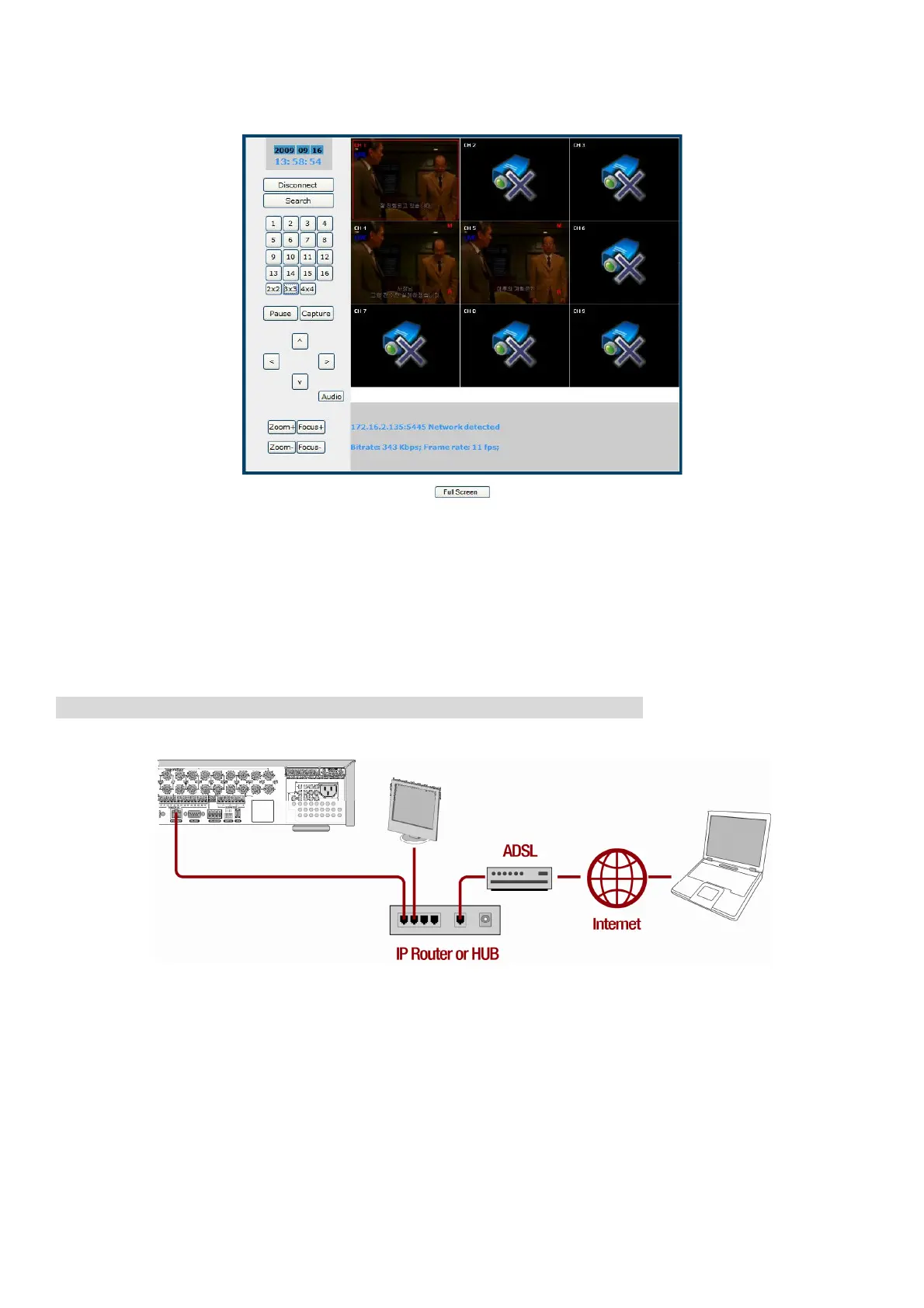
7. Then the cameras connected to the DVR are displayed on the screen.
APPENDIX: How to connect network
A. How to set IP address of the DVR and open TCP port of the router?
The port forwarding is dependent on the brand and model of the router. The port forwarding is required to
allow access to the DVR beyond a router.
Connect network cable between DVR and Router or ADSL modem.
1. Default network setting on DVR are
- Port: 5445
- WEB Port : 80
- Network : DHCP
2. From PC connected in the same Router, find IP address, Gateway, and Subnet mask by
IPCONFIG command in command prompt.



 To Next Page