52
6-4. Playback of Backup Video
AVI format: AVI format video can be played back by Window Media Player™ or other media player
that is compatible with AVI format video. If the video cannot be played with standard video software,
install FFDShow (Codec)from the supplied CD-ROM.
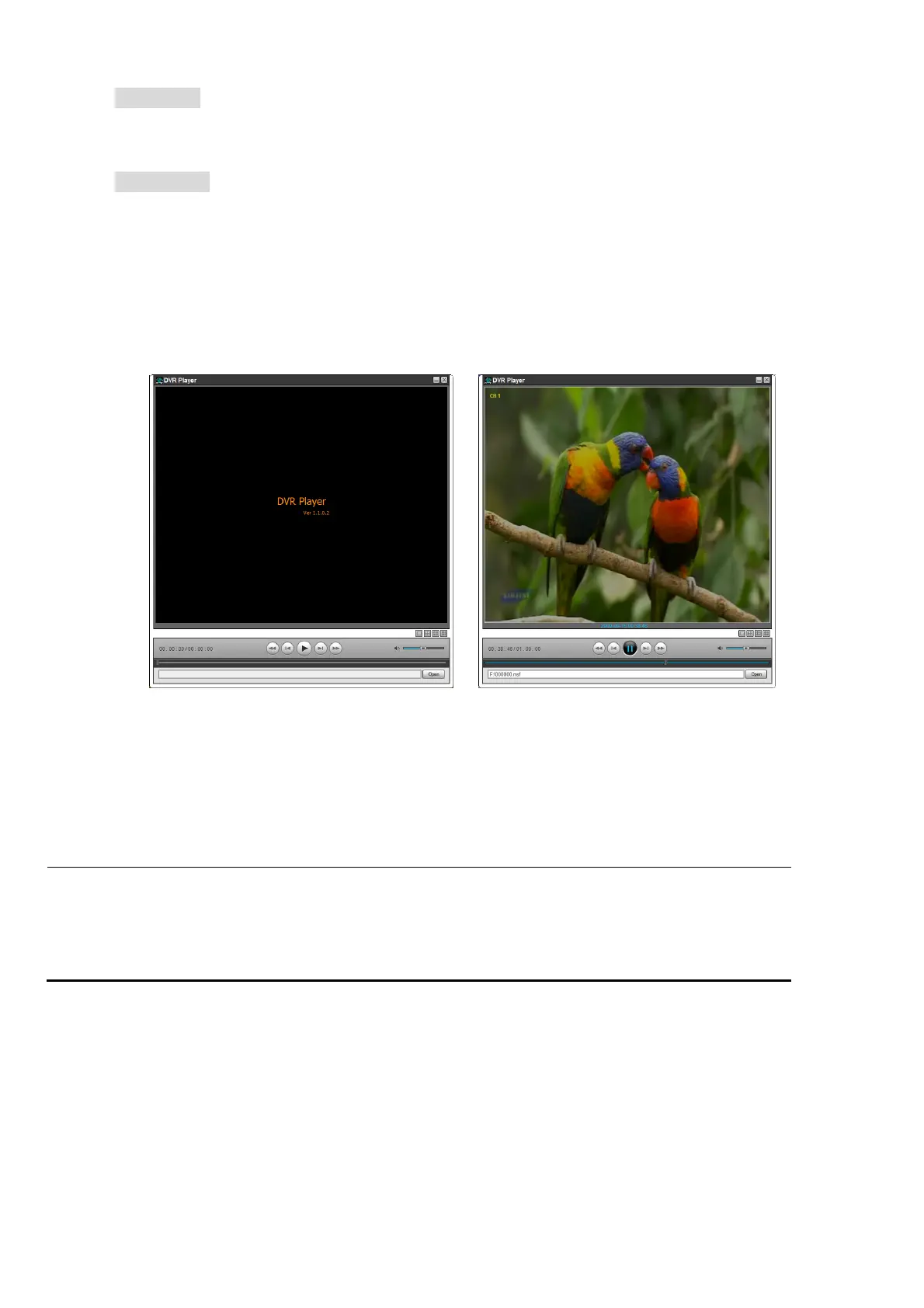
NSF format: NSF format video can be played back by the player (the DVR player) that the DVR
copies on USB thumb drive with video. This format will be supported to the next version.
Three files are copied on USB thumb drive
- NSF file: NSF format video file.
- SMI file: Title file of date and time.
- PLAYER: Exclusive video viewer.
7. Upgrading Firmware
In order to upgrade, the firmware upgrade file must first be downloaded and copied into the USB memory
stick. Create a new folder in the USB memory stick and name it “upgrade”. Copy the firmware upgrade file
“apph_xxxxxx.bin” into the “upgrade” folder.
NOTICE
The folder on the USB memory stick must be named “upgrade”.
After the firmware upgrade file is copied into the USB memory stick, connect the USB memory
stick to the USB port on the front panel and do the followings:
1. Press the SETUP button.
2. Go to SECURITY setup menu and USER PASSWORD. Please select ADMIN using the control
button (◀ ▲ ▶ ▼).
3. Enter the password as “12341234”, and press the OK button.
4. The TEST MODE screen “Diagnostics Vx.xx” will appear.
5. Select USB Upgrade. Then the upgrading will start automatically.
6. After the upgrade is completed, select Boot Application to reboot DVR.



 To Next Page