83
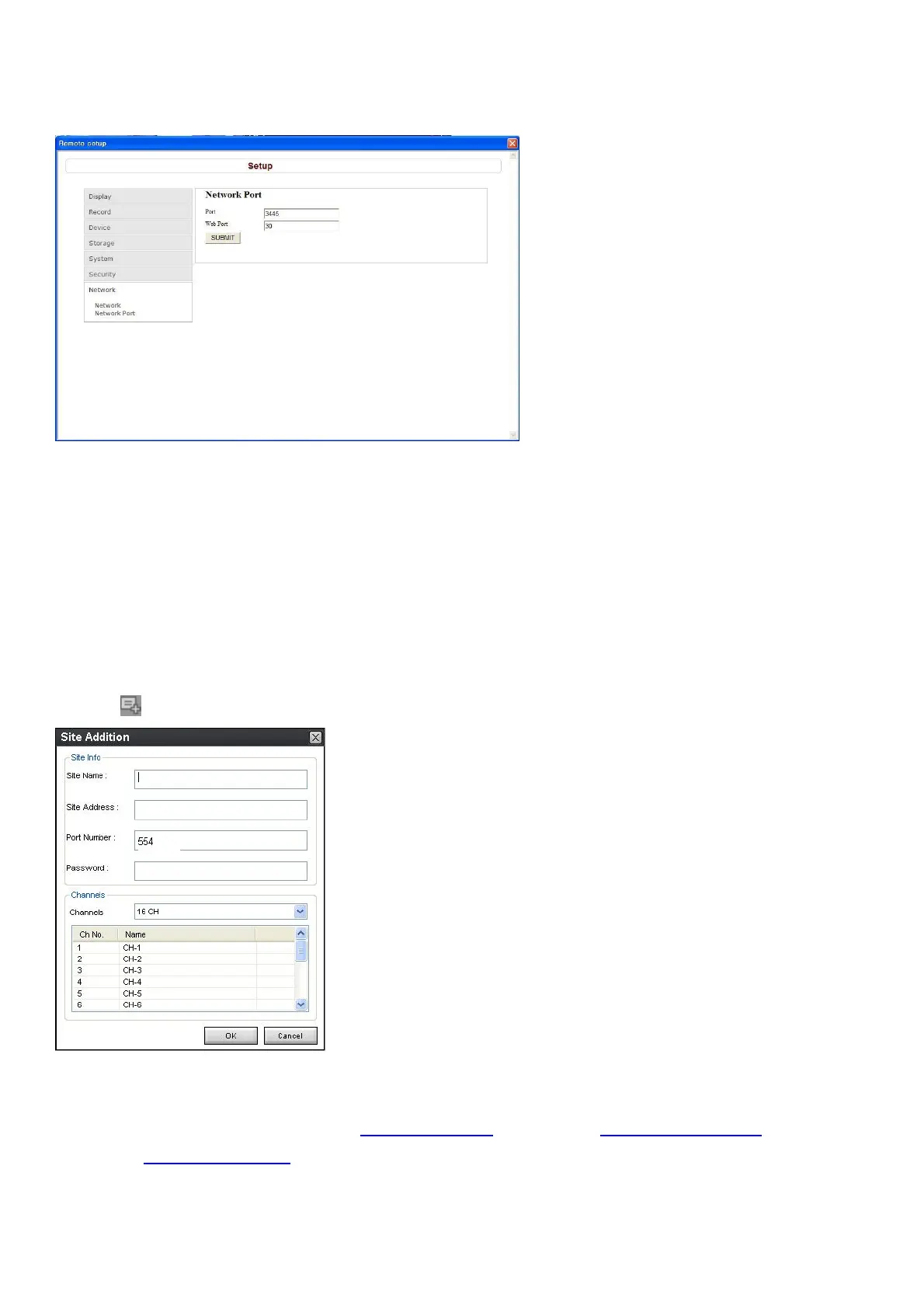
9-7-7-2. Network Port
Port: When connecting multiple DVRs to the network, set a unique port number to each DVR.
Web Port: Set a web server port number.
SUBMIT: Save surely by pressing this button after setting the value.
9-8. Operation
9-8-1. Addition, Delete, and modify of DVR sites
9-8-1-1. Addition of sites
1. Click SITE ADDITION button. And then the following window displays.
o Site Name: Input a name that properly describes a site.
o IP Address: Input IP address (Public IP address of a router that DVR is connected.) or Domain
name that is registered at www.okddns.com (for Korea), www.ddnscenter.com (for USA) or
www.bestddns.com (for other area including EU)
o Port No.: Input port number of DVR.



 To Next Page