85
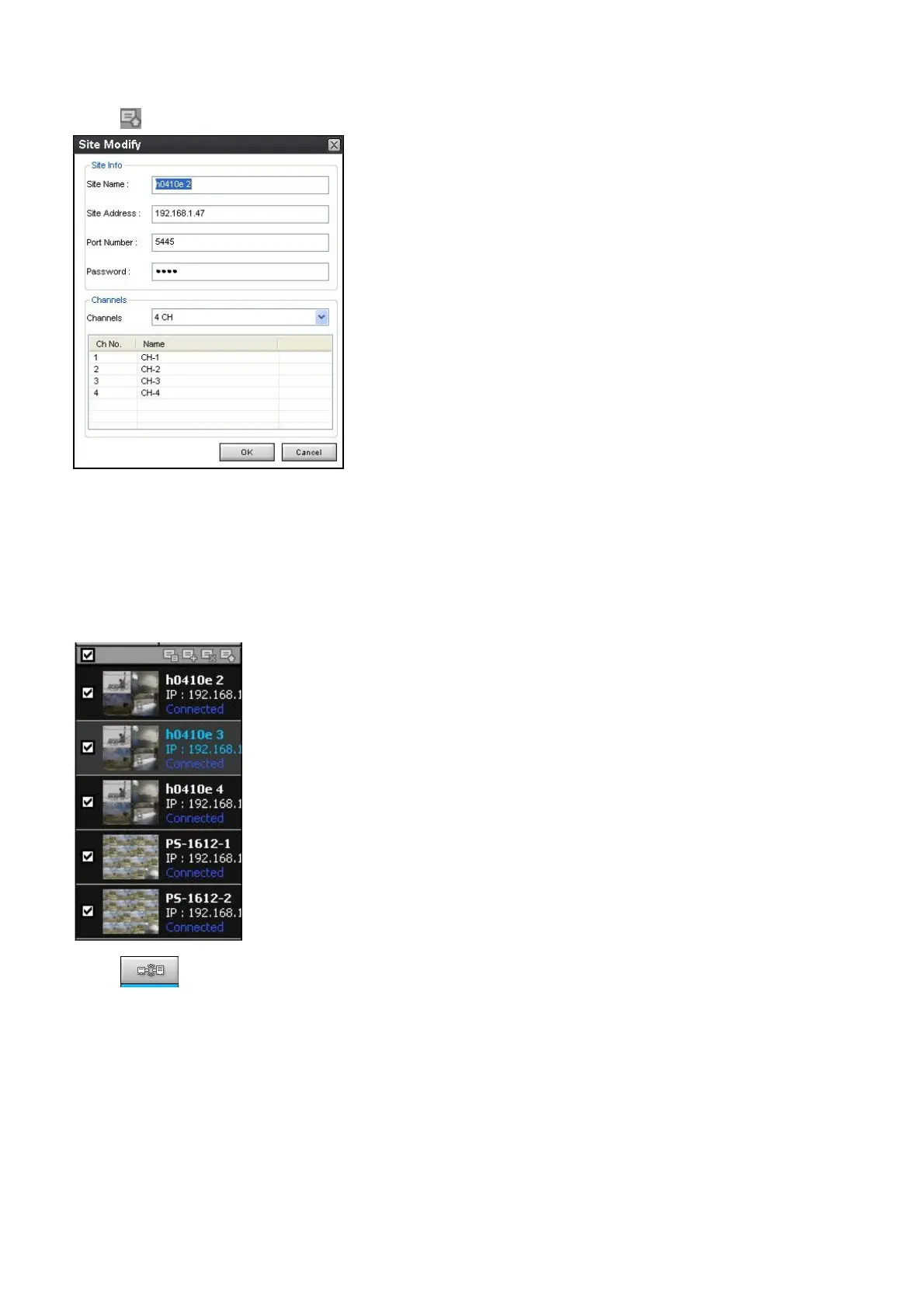
2. Click SITE MODIFY button. And then the following window displays.
3. Click OK button. And then the modified information is applied.
9-8-2. Connect and Disconnect
9-8-2-1. Connect
1. Select site/sites to connect from the directory window.
2. Click CONNECT button, and then site/sites displays/display as connected.



 To Next Page