22
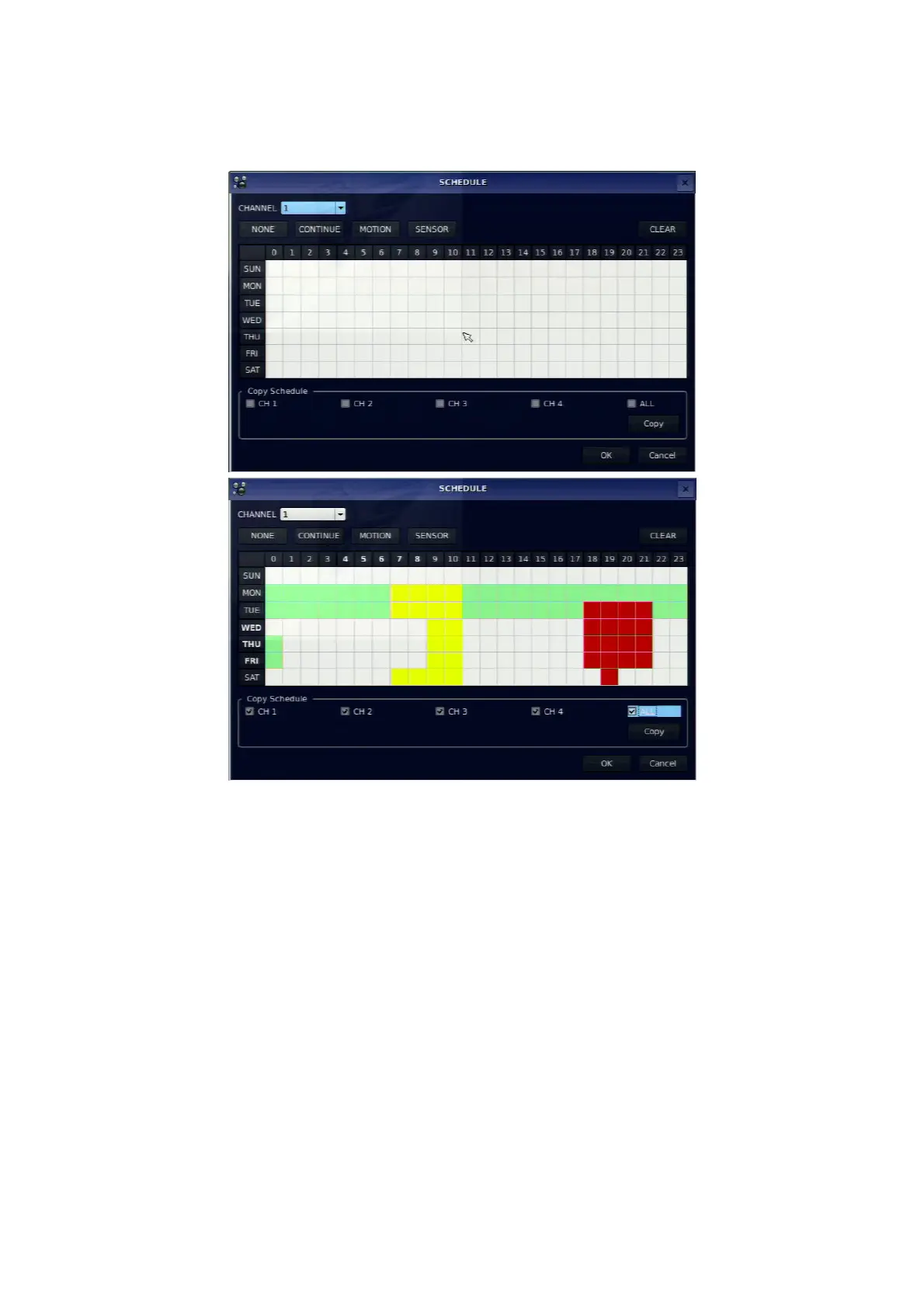
[COPY Schedule]: Set the channel 1 schedule and select COPY using the control button (◀ ▲ ▶ ▼),
select CH2 using the control button (◀ ▲ ▶ ▼) and press the SEL button. Then the CH1 schedule is
copied to CH2. To return to setup menu screen, press the ESC button.
Figure 3.3.2. Schedule recording setup screen
3-4. Setup – Device Mode
Press the SETUP button and enter the password. Select DEVICE icon and press SEL button to enter the
setup menu item. Then, the device menu is displayed as picture below. Navigate through the menu items
using the control button (◀ ▲ ▶ ▼) and change the value of the menu item using the control button (◀
▲ ▶ ▼).To return to setup menu screen, press the ESC button.



 To Next Page