42
3-10. Saving Setup
To preserve the setup values that you have changed, select YES.
Figure 3.10.1. SAVE SETUP screen
4. Live, Search and Playback
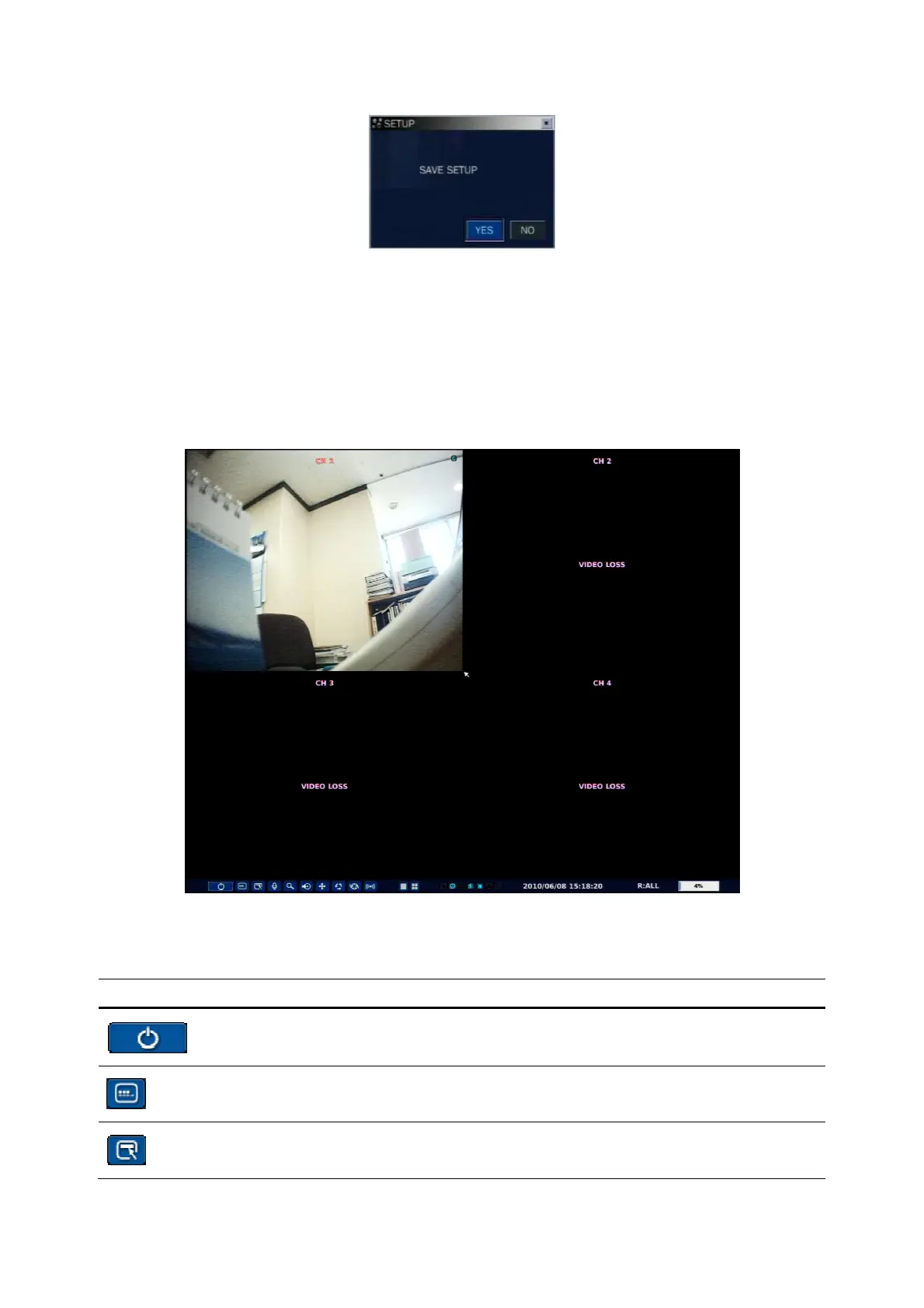
4-1. Live Viewing Screen
In the Live screen, video inputs from the cameras are displayed as they are configured in the Display Setup
screen. Various on-screen display (OSD) symbols, which indicate the status of the DVR, are described in
Table 4.1.1.
Figure 4.1.1. Live Viewing Screen
Table 4.1.1. Status Indicator Icons in Live Viewing Screen
Icon Description
Power On/Off button.
Lock/Unlock Setup button.
Setup button. Click this button to go to a setup menu.



 To Next Page