36
WEB PORT
Web Sever Port number (Default: 80)
PORT FORWARD
Set the port forwarding for connecting to network.
NETWORK STREAM
Set the value for network streaming.
3-8-1. Network Types
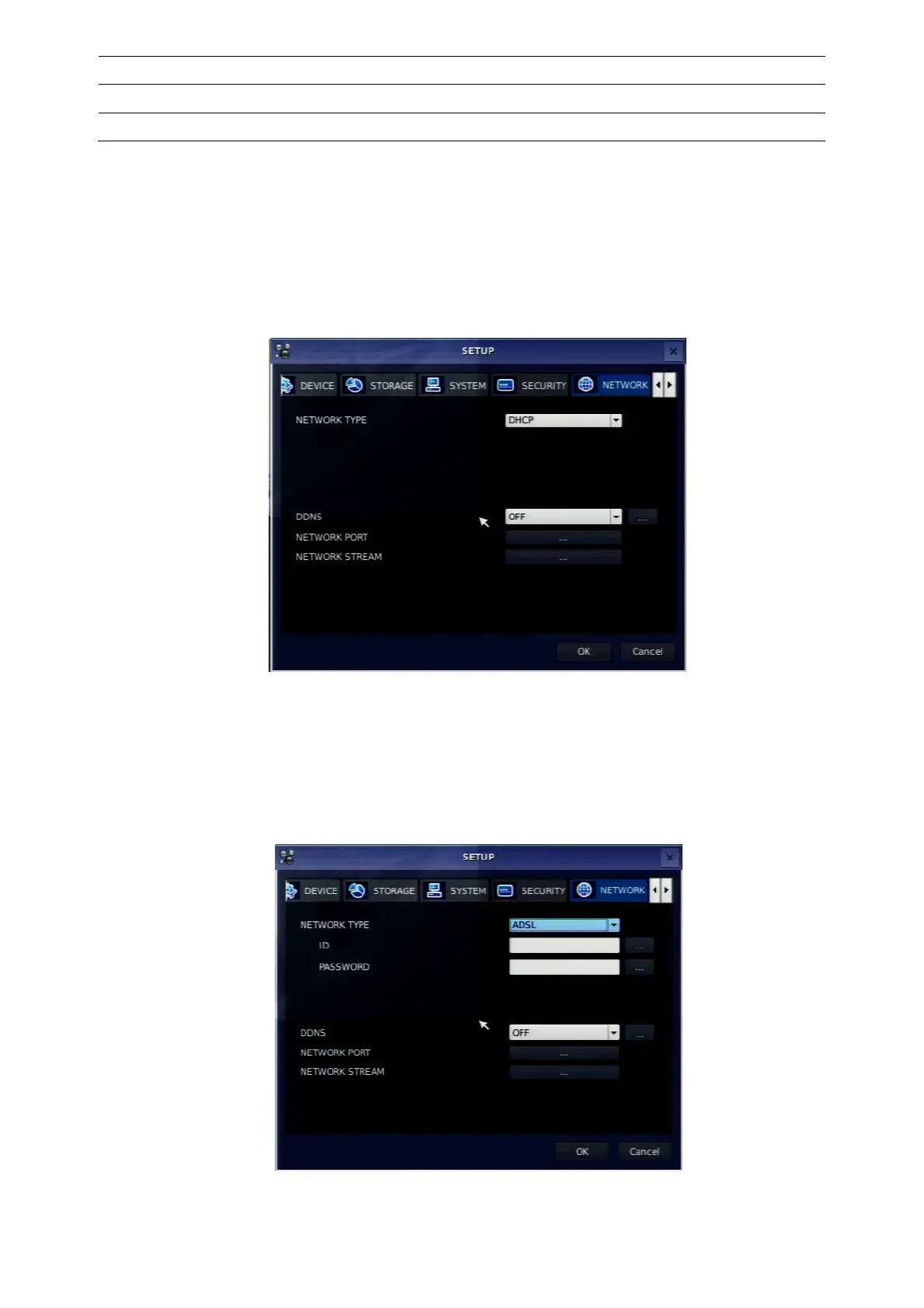
3-8-1-1. DHCP
An IP address is automatically assigned by the DHCP server, which automatically assigns IP address and
other parameters to new devices.
When ADSL or other network being used adopts variable IP method, not fixed IP. This option is used as a
way to automatically get IP address.
Figure 3.8.1. Network setup screen – DHCP
3-8-1-2. ADSL (PPPoE)
To use this ADSL (PPPoE) function when the network type connected DVR is using PPPoE method.
If ADSL type is not using inputting IP and Password like VDSL or if DVR is installed in IP sharer, a user can
not select this function. In this case, a user should select DHCP or LAN.
Figure 3.8.2. Network setup screen – ADSL



 To Next Page