35
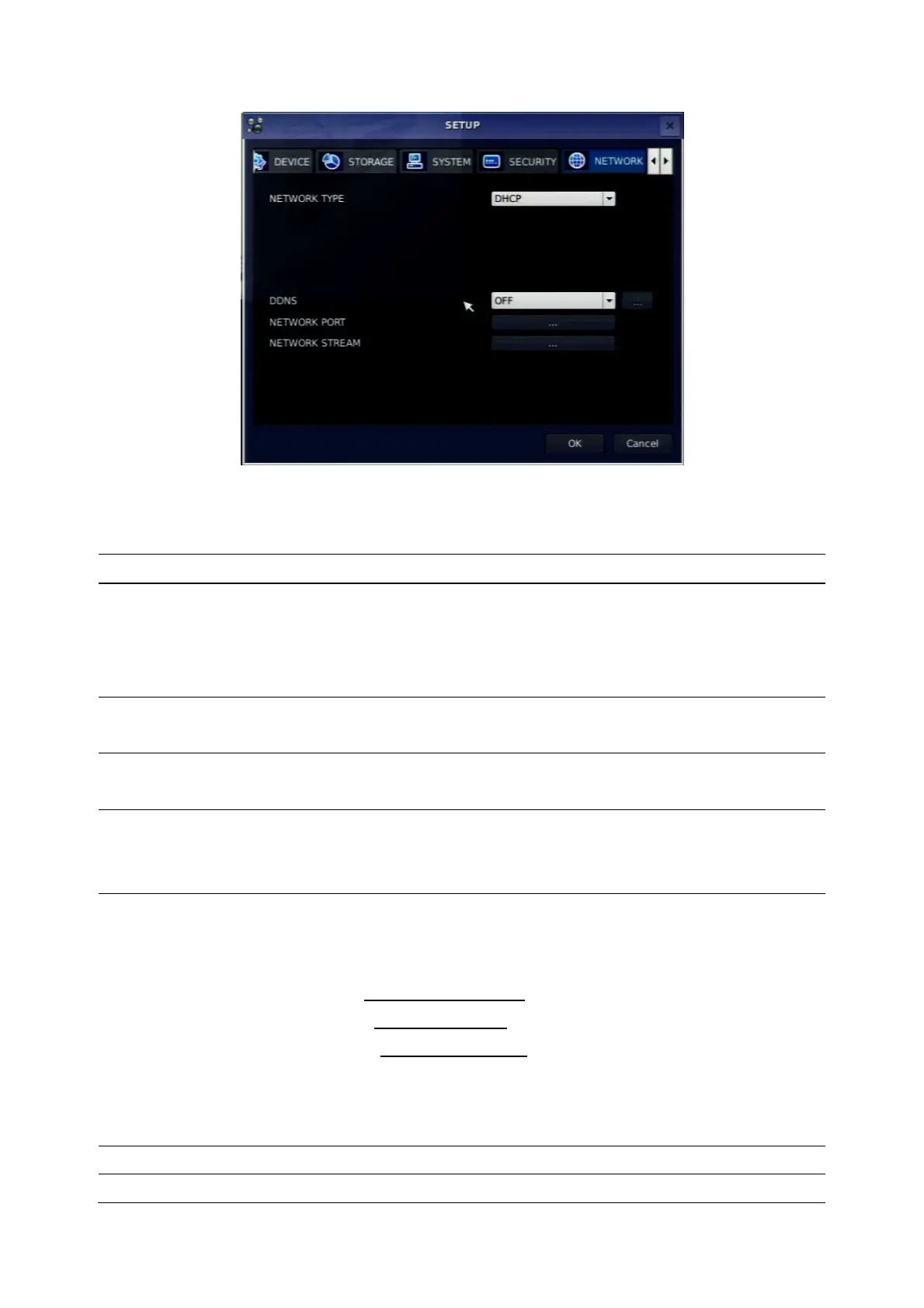
Figure 3.8.1. NETWORK setup screen
Table 3.8.1. Menu items in Network Setup screen
Item Description
NETWORK TYPE
Select a type of network connection. Options are:
DHCP, ADSL, LAN
Note. Other parts of the network setup screen change depending
on what network type you select.
DHCP
DVR automatically get IP varying from time to time from network
and does not therefore need to be set.
ADSL (PPPoE)
ID: Registered ID is necessary for ADSL connection.
Password: Registered password is necessary for ADSL connection.
LAN
IP: Register IP address that is assigned for DVR.
Gateway: Register Gateway that is assigned for DVR.
Subnet Mask: Register Subnet Mask that is assigned for DVR.
DDNS
Enable/disable using domain name address through DDNS server.
“ON” mode, DDNS server name appears for domain registration.
DDNS 1: Select one type among the following three DDNS server.
<USA> www.ddnscenter.com
<Korea> www.okddns.com
<Others> www.bestddns.com
DDNS 2: Select this type when wants to use other general-purpose
DDNS Server.
DDNS INTERVAL: Set the connection interval (5-60minutes)
NETWORK PORT
Set a proper port number for connecting to network.
PORT
Port number (Default: 5445)



 To Next Page