20
COVERT
Enable/disable display of the specified video channel in live display
mode.
BRIGHTNESS
Change the brightness value of the specified channel. (0~100)
CONTRAST
Change the contrast value of the specified channel. (0~100)
HUE
Change the hue value of the specified channel. (0~100)
SATURATION
Change the saturation value of the specified channel. (0~100)
3-3. Setup – Recording Mode
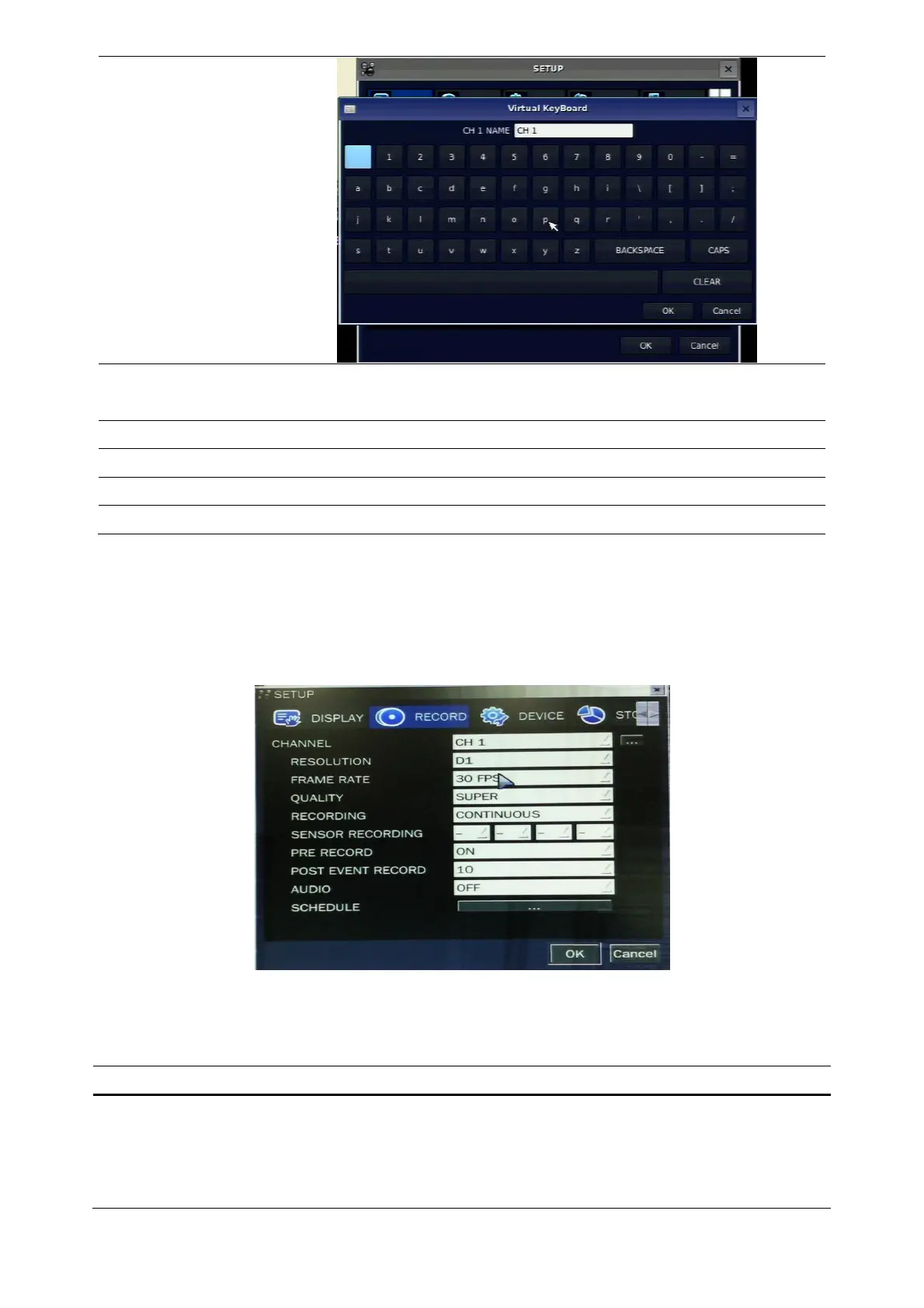
Press the SETUP button and select RECORD icon. Then, the RECORD menu is displayed as picture below.
Navigate through the menu items using the control button (◀ ▲ ▶ ▼) and change the value of the menu
item using the control button (◀ ▲ ▶ ▼). To return to setup menu screen, press the ESC button.
Figure 3.3.1. Recording mode setup screen
Table 3.3.1. Menu items in Recording mode setup
Menu item Description
CHANNEL
Select a channel for applying the following settings using the control
button (◀ ▲ ▶ ▼). Press SEL button to change the setting value
of all channels at once. Once you select an item, then press SEL to
set value for all channels.



 To Next Page