59
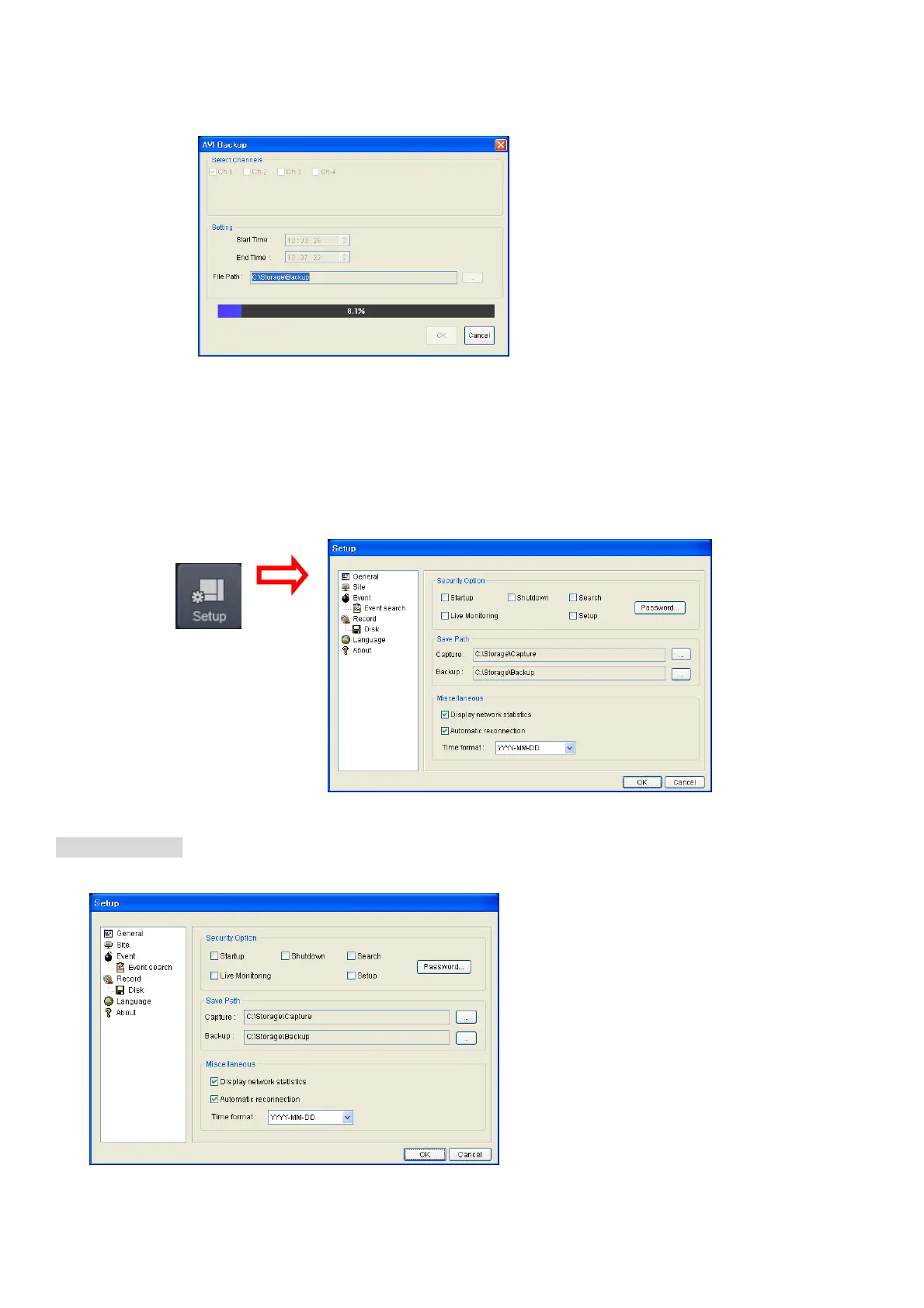
4. AVI Backup dialog is displayed. Click the OK button. Then the marked video is backed up.
Start time / Stop time: Backup time can be changed.
File path: Shows the folder that the backup file is recorded.
Channel: Shows backup channel.
8-6. PC System configuration
Click the SETUP button. Then the Setup dialog is displayed.
Setting General
Set the Security Option, Save Path, and Miscellaneous.



 To Next Page