58
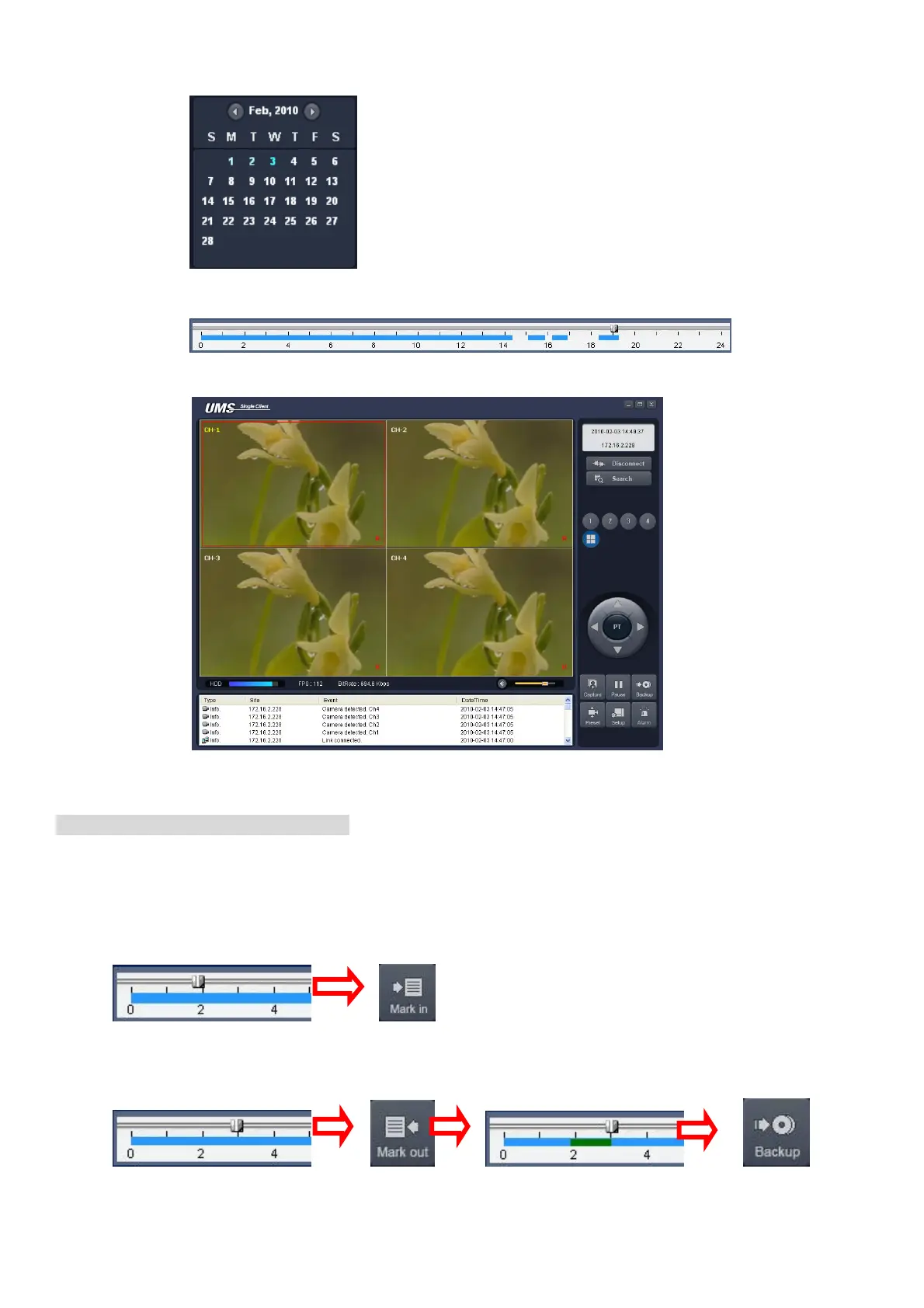
2. Select the date to search the video.
3. Drag the slid on the time scale and drop it between 0 to 24.
4. Press the PLAY button. Then the video recorded in the remote DVR is played back.
Backup of video in the remote DVR
Video recorded in the remote DVR cab be backed up on the PC HDD as AVI format.
1. Connect the network to the remote DVR and play the video recorded in the remote DVR.
2. Drag the slid on the time scale and drop to the start time for video backup and press the MARK IN
button.
3. Drag the slid on the time scale and drop to the end time for video backup and press the MARK OUT
button. Then the marked time is displayed in dark green.



 To Next Page