41
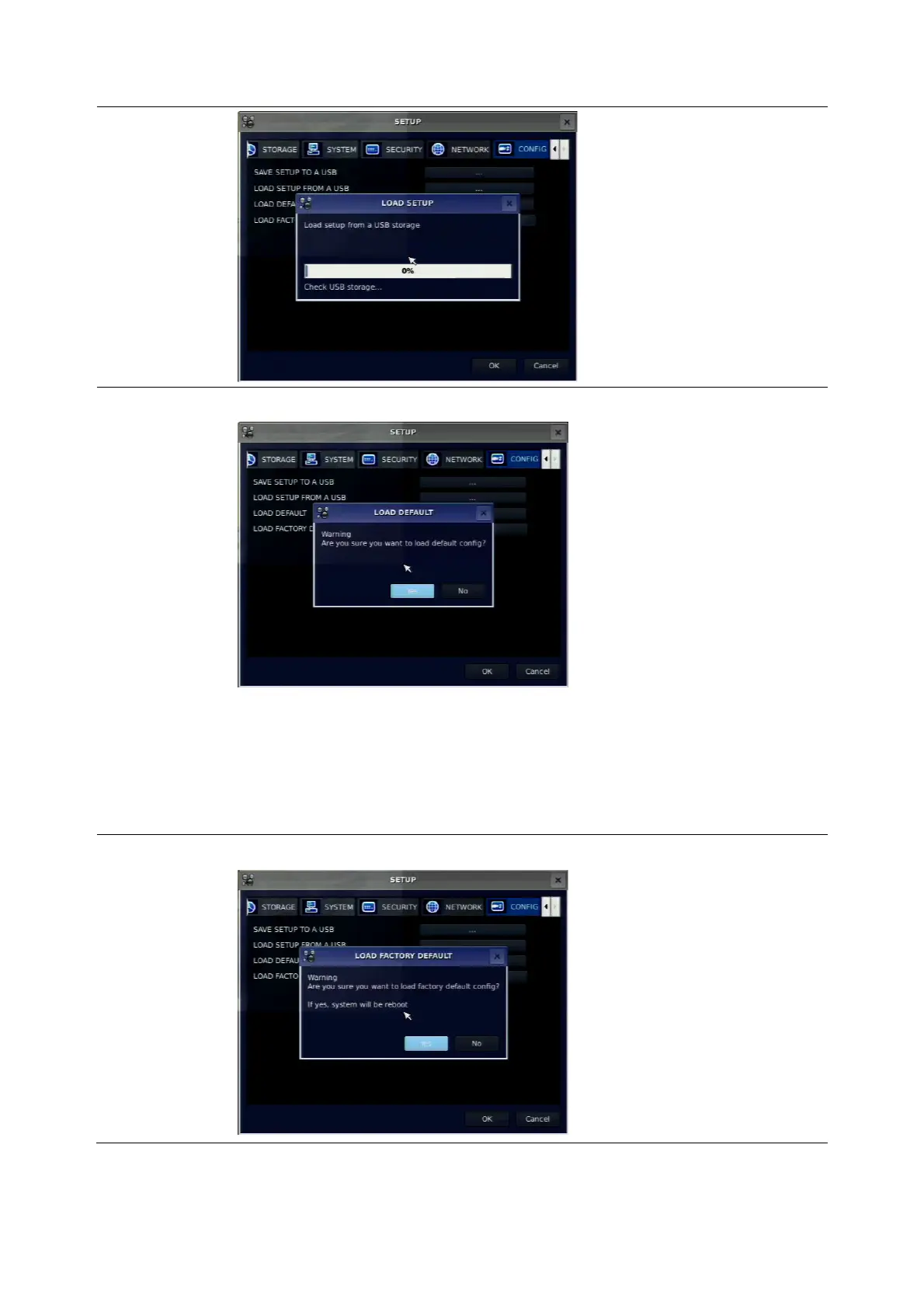
LOAD
DEFAULT
Select ON to reset the system to the default settings.
(The follow settings such as Language, DVR ID, Security User
Authentication, Security User P/W, Date format, DLS settings, Network
settings, HDD overwrite, Limit recording, HDD serial number, and HDD
ERROR time will not be included.)
LOAD
FACTORY
DEFAULT
Select ON to reset the system to the factory default settings.



 To Next Page