84
o Password: Input network password of DVR.
o Channels: Select the channels number of DVR.
2. Click OK button. And then the registered site is added on the directory window.
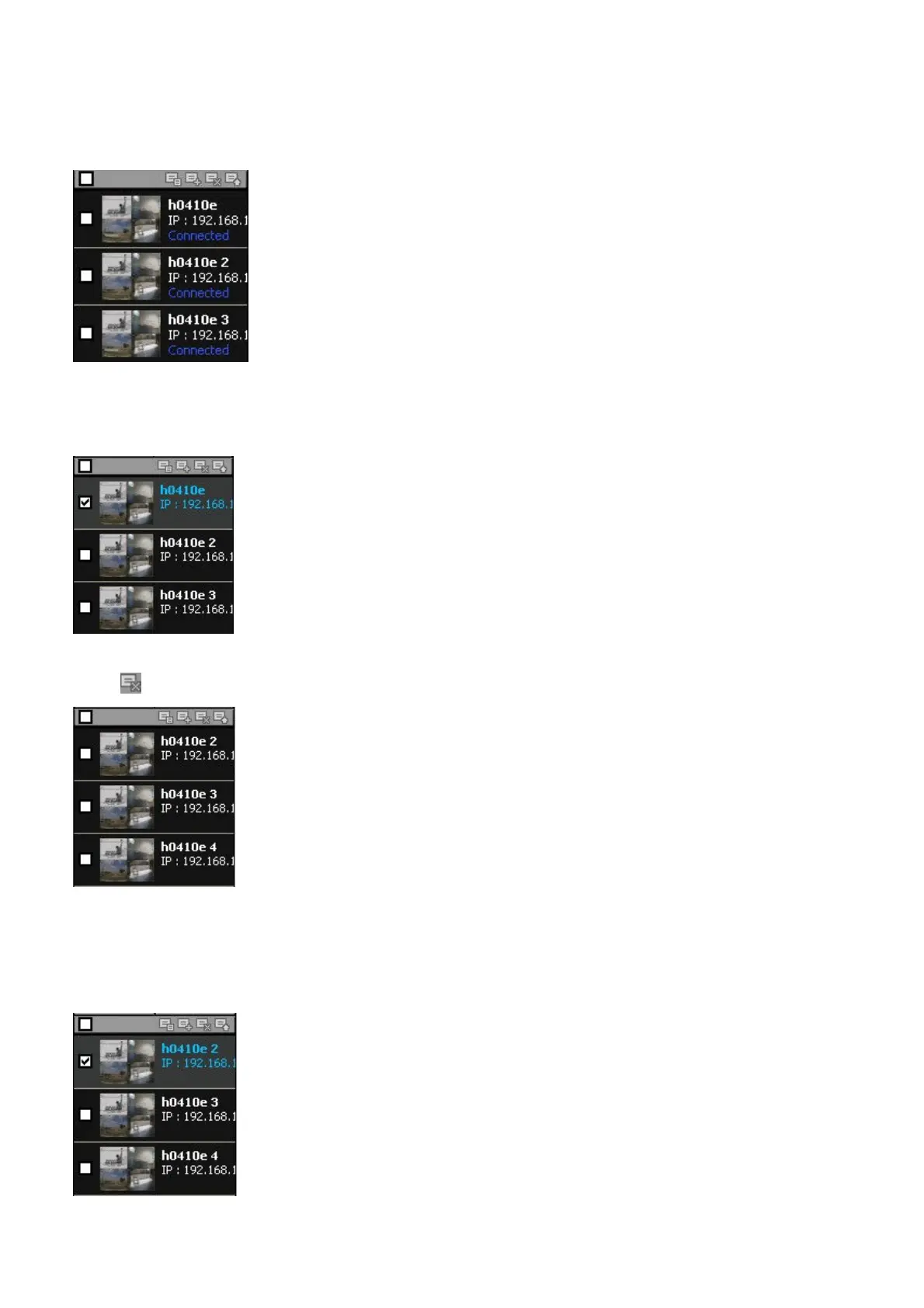
9-8-1-2. Delete of sites
1. Select the site/sites to delete from the directory window.
2. Click SITE DELETE button. And then the selected site/sites is/are deleted.
9-8-1-3. Modify of sites
1. Select the site/sites to modify from the directory window.



 To Next Page