33
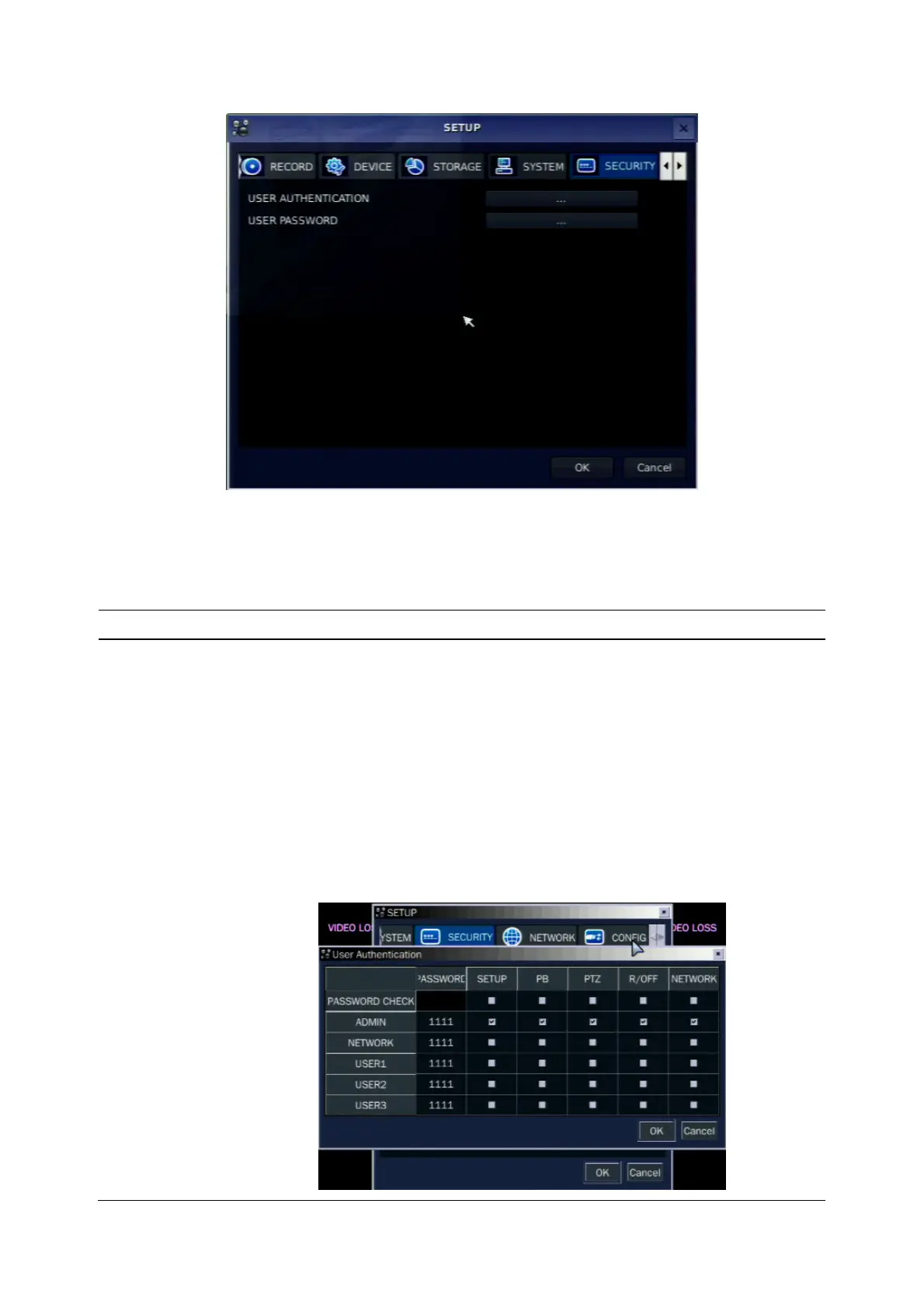
Figure 3.7.1. SICURITY setup screen
Table 3.7.1. Menu Items in PASSWRORD Setup Screen
Item Description
USER
AUTHENTICATION
Admin only can connect to the menu.
PASSWORD CHECK:
Select either V or nothing for the functions such as
Setup, Playback(PB), PTZ, Record OFF(R/OFF), and Network
V check: Ask for a password when the given function is selected
for all users.
nothing: Does not ask for a password when the given function is
selected for all users.
The default value is that there is the password check.



 To Next Page