55
CAPTURE
Capture a still image from live screen.
PLAY/PAUSE
Play/pause live video.
ALARM
The ON/OFF button of the alarm output
of the DVR. When an alarm of the DVR
is output, this button becomes Red.
SETUP
Display the setup screen of the network
viewer.
HDD USAGE
DVR HDD storage Indicator.
NETWORK BANDWIDTH
Shows the transferred frames and
network bandwidth.
AUDIO
Adjust the volume. The audio can be
turned on or off by clicking the audio
icon.
LOG WINDOW
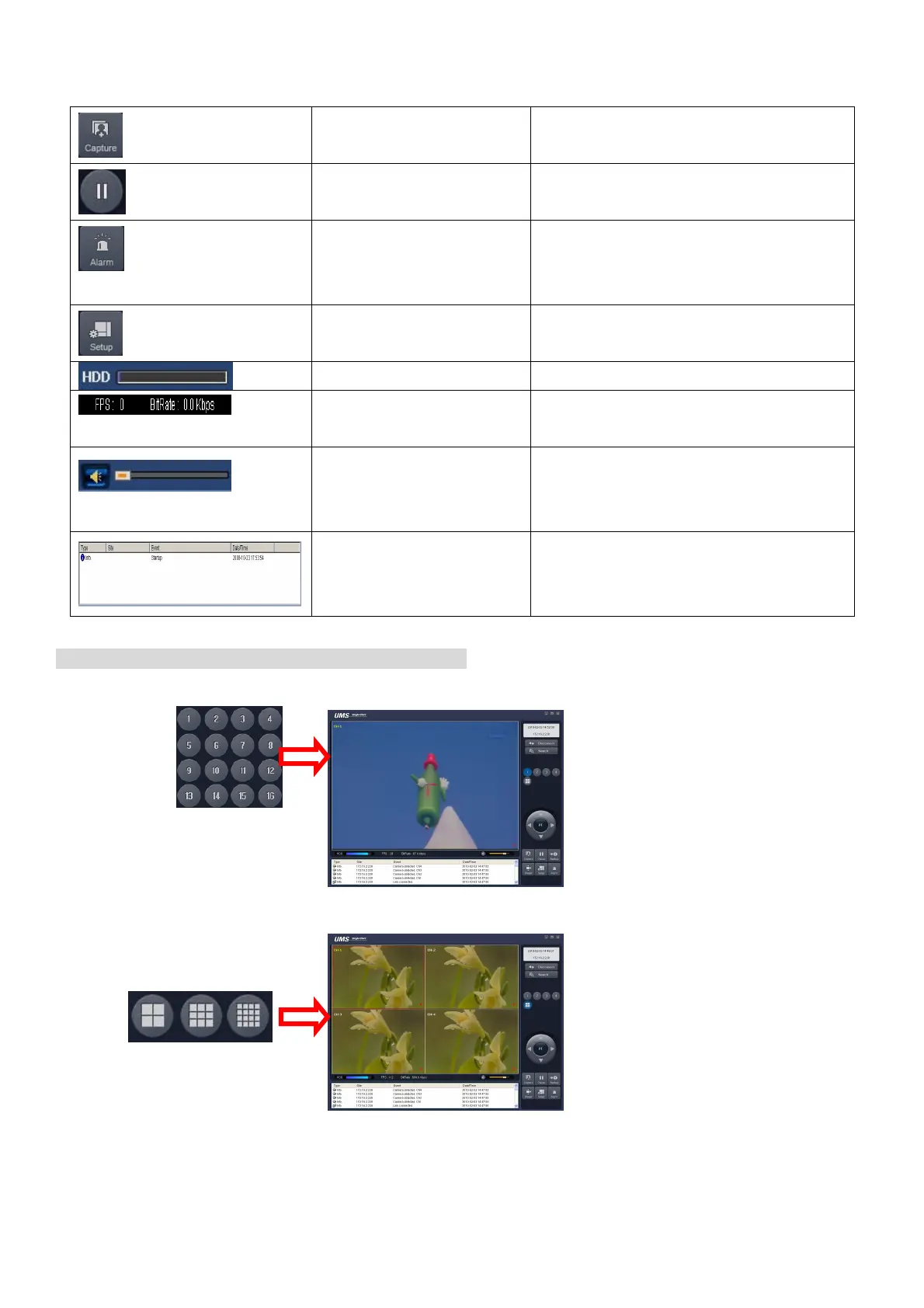
Operations of the display mode of the main screen
Single channel display - Click the one of channel button or double-click the channel screen.
QUAD/-screen display - Click the QUAD button to switch to quad-screen display



 To Next Page