66
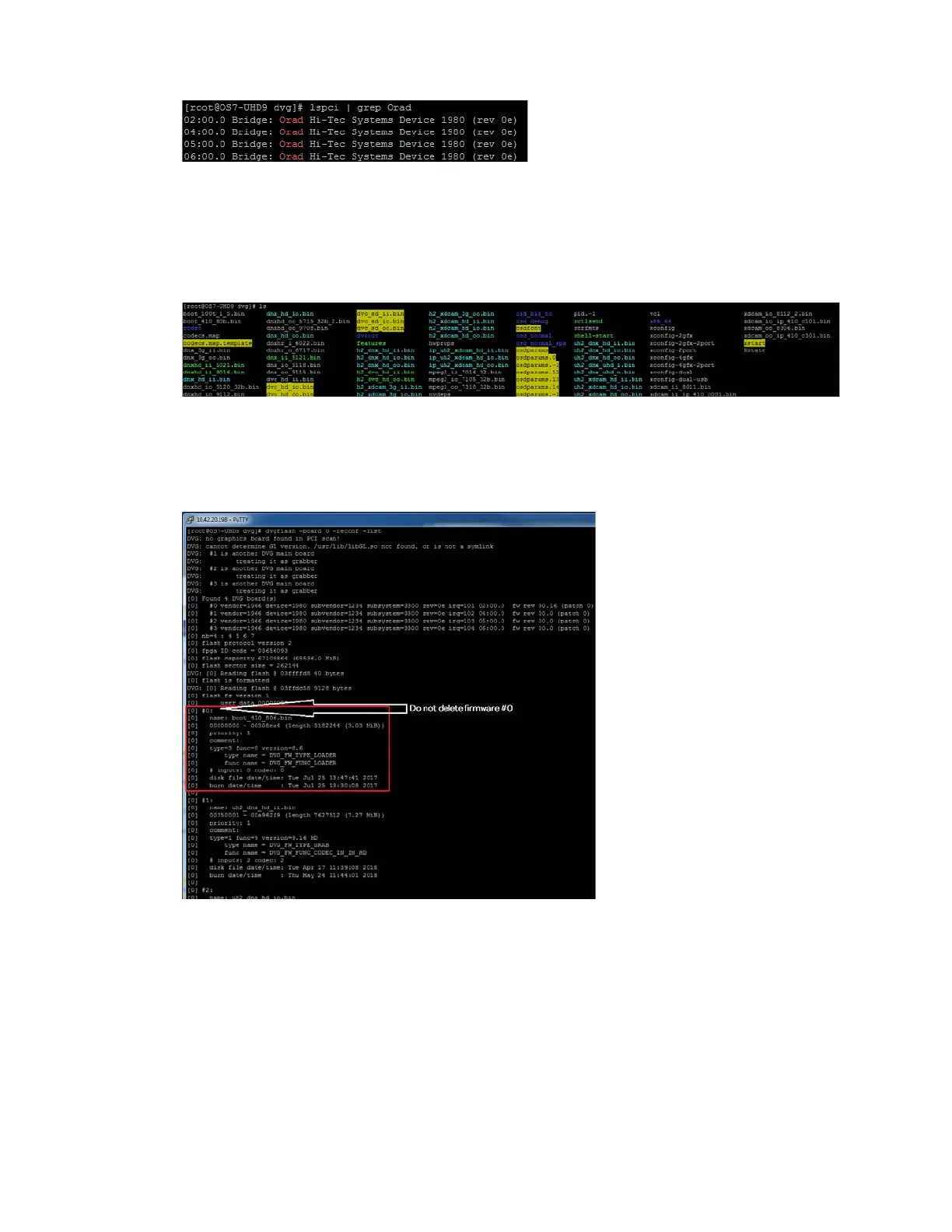
You should see four (4) boards.
3. Check the available firmware:
cd /usr/dvg
ls
4. (Advanced users only) Replacing a single firmware. Board 0 preparation:
a. Use dvgflash to check the firmware
installed on the board:
dvgflash -board 0 -reconf -list
b. If required, delete the current firmware:
dvgflash -board 0 -delete 2
dvgflash -board 0 -delete 1
n
The XDCAM format has 5 installed firmwares. The DNx format has 3 installed firmwares.
c. Burn input/ input firmware for the DVG card:
dvgflash -board 0 -write xdcam_ii_xxxx.bin



 To Next Page