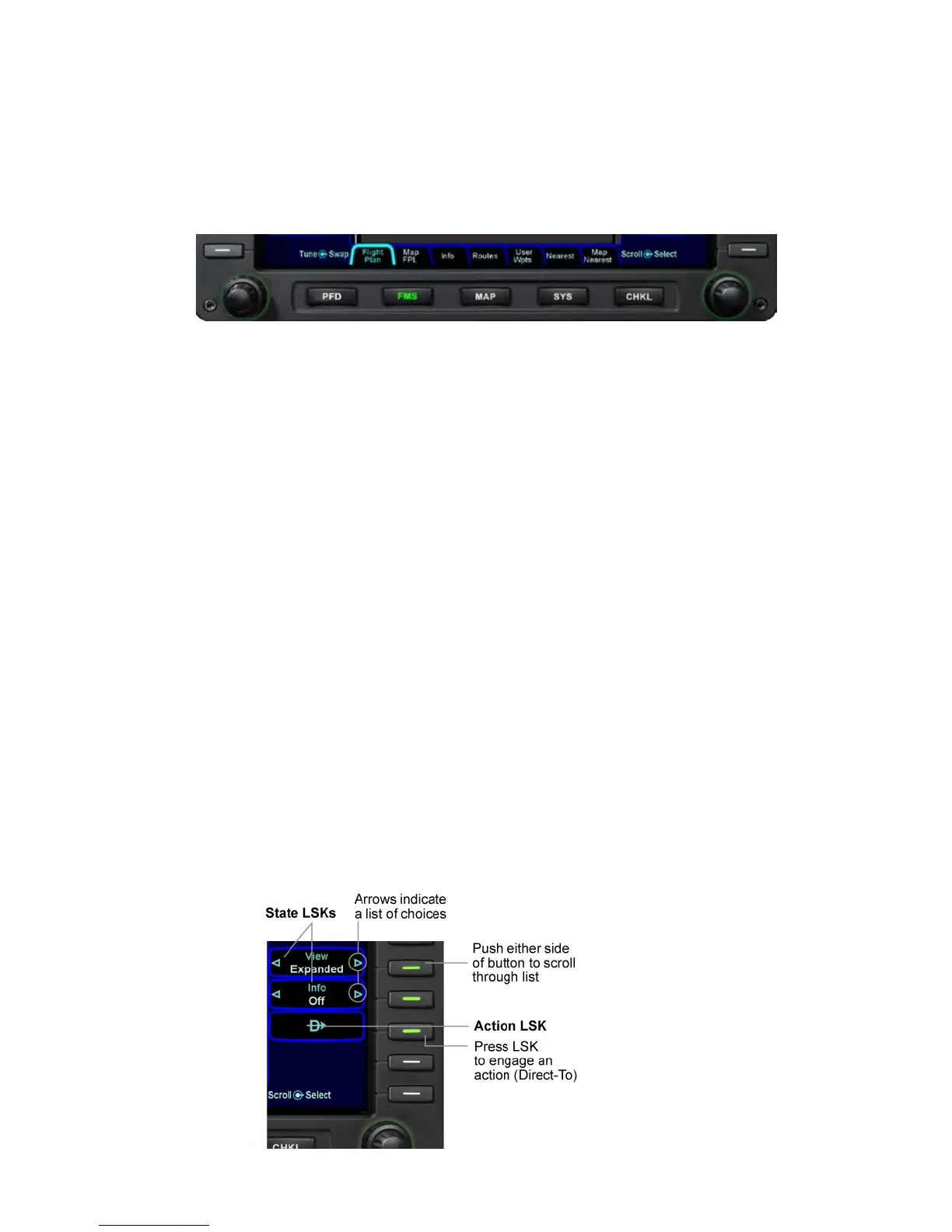
1-4 System Overview
and navigate through the available tabs by pressing the left or
right side of the Page Function Key. Continue pressing one side
of the function key to automatically step through the tabs.
Page Function Keys and Tabs
LINE SELECT KEYS
Line Select Keys, typically abbreviated to LSK in this manual,
are the buttons found along the left and right sides of the bezel. A
label, just inside the bezel – adjacent to the physical LSK,
indicates the function of the LSK. Each LSK is capable of being
individually backlit to help the pilot identify the correct LSK.
Pressing the LSK either performs the labeled action or changes
the state, which is indicated by the left and right arrows. These
LSKs function by rocking left or right on the key. For the cases
where there is a list of selectable options, browse the list in either
direction by pressing the left or right side of the LSK. This
becomes a time saving technique when trying to rapidly navigate
a large list and minimizes time recovering from list overshoots by
providing the ability to back up one selection.
LSK Types
• State LSKs – Right and left arrows indicate a list of
choices. Traverse the list by rocking left or right on the
line select key.
• Action LSKs – Pressing the LSK enables the action
indicated on the label.














 To Next Page