Cruise / Enroute 5-3
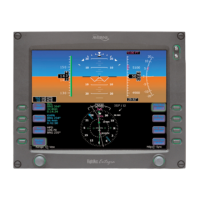
HEADING HORIZON TICK MARKS
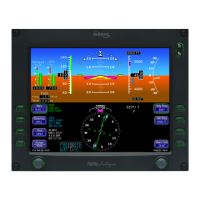
A series of heading indicators can be displayed along the horizon
line of the ADI marking every 30 degrees. Cardinal directions are
indicated by the letters N, E, S, W. The display of heading on the
ADI can be turned on or off via the Display Setup tab.
BEARING POINTER
A bearing pointer can be turned on or off for display on the “Nav
Display” or “Bug Select” tabs of the PFD page. It has it’s own
dedicated LSK for selecting the nav source used to drive the
bearing pointer. It will also contain a snap vector (bearing or
distance) to the waypoint or station selected. If you’ve selected a
LOC or ILS for the source, a bearing pointer will not be displayed.
TOP DATA STRIP
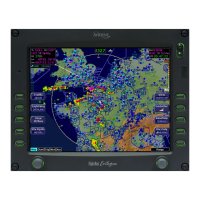
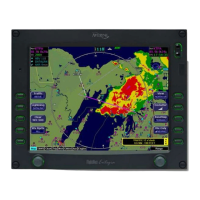
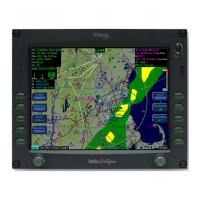
The top of the MFD display contains a number of datablock fields,
some of which are user-configurable. The top datablock is
displayed on all but the PFD pages of that MFD. Therefore, one
common technique is to select steering information to the current
waypoint or next waypoint to be displayed in that datablock for
continual navigational awareness. The setup and selection of the
data to be displayed there is covered in Section 11, System
Setup and User Preferences.
PRECISION FLYING
This section provides an overview of some of the features to
produce precision flight performance.
OBTAINING LEVEL FLIGHT
If hand flying, you can obtain level flight by placing the apex of the
yellow delta-shaped reference symbol on the horizon line of the
ADI in cruise conditions of approximately 6000’ MSL and 160
KIAS. The pitch angle for level flight will vary with flight conditions
such as speed, altitude, and weight. There is no manual adjust
capability (i.e. parallax adjust).



 To Next Page