Cruise / Enroute 5-31
AUTOPILOT OPERATIONS
While all modes of the DFC100 are available, Avidyne
recommends maximizing use of the FMS and autopilot NAV and
VNAV mode combination and let the automation reduce your
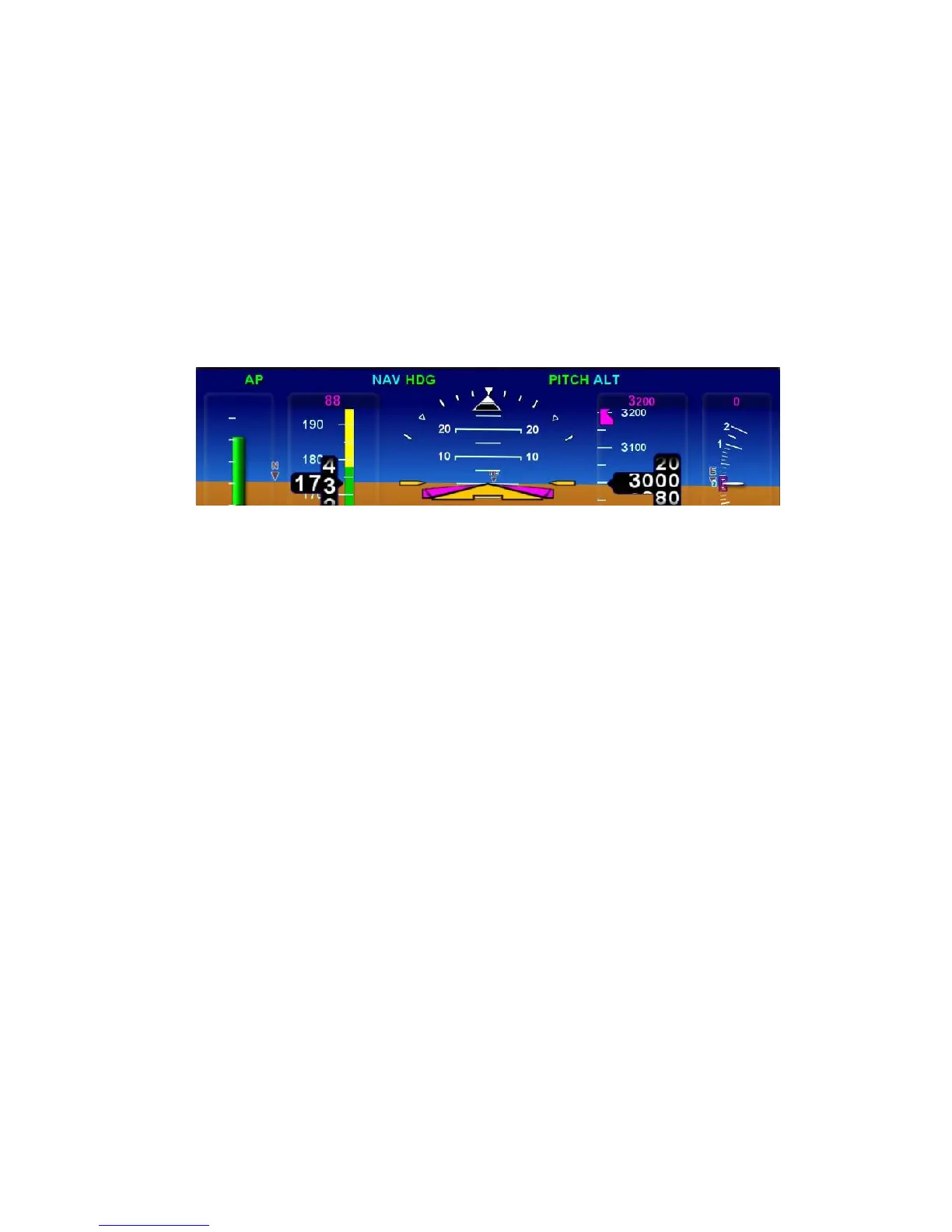
workload. The top edge of the ADI will continually present
annunciators that reflect the current state and mode of the
autopilot.
PFD Autopilot Annunciator
The DFC100 Pilot Guide contains a more complete description of
the system operation. See Appendix A for more on S-TEC 55X.
USE OF VECTORS MODE
Vectors mode can be used as a way to temporarily divert off your
flight plan (e.g. fly around a weather buildup, fly around an
airspace, etc) without having to modify your flight plan or change
autopilot mode. When the ”HDG” button on the DFC100 is
pressed, the PFD Primary Nav LSK is set to FMS, and the
Heading knob is activated, a dashed magenta line is depicted on
your moving map. The autopilot will follow that dashed line
Vectors mode until the flight plan is re-intercepted or Vectors
mode is deactivated. In the skirting weather build up or airspace
scenarios mentioned above, press the ”HDG” button, and twist
the Heading knob until the graphical depiction of the Vectors
mode (the magenta dashed line) avoids the threat area: Continue
along that route of flight until it is time to dial in a new target
Vector that re-intercepts your original solid magenta flight plan
line. Notice the automatic curvature of the dashed Vectors line as
it builds an “on-ramp” back to your solid magenta active leg line.














 To Next Page