11-2 System Setup / User Preferences
11 System Setup / User
Preferences
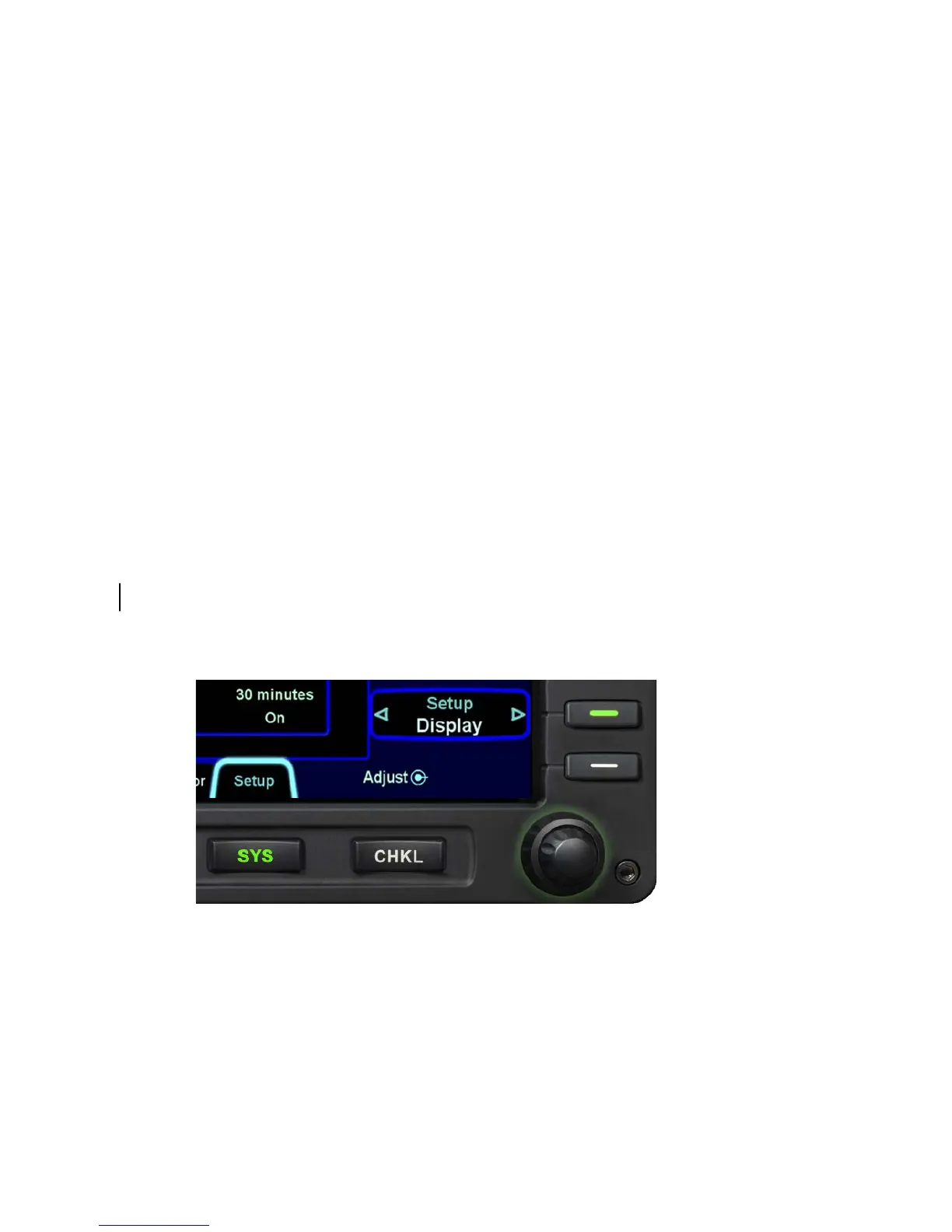
System setup and user preferences are all controlled through the
“Setup” tab of the “SYS” page. The system information that can
be set up is viewed in the middle of the page and a single LSK
along the right side is used to control the type of data to setup.
Aside from the Main choice in the list below, all others in the list
are only accessed via the MFD. The “Setup” LSK has the
following choices:
• Main
• Display
• FMS
• Map
• Datablocks
• Autopilot (S-TEC 55 equipped aircraft only)
SYS/Setup/Setup
MAIN
This tab is just an information display – there are no edits that can
be made here. Found here are the aircraft type for which the IFD
is configured to support, the various hardware and software part
numbers, and database IDs and validity information.














 To Next Page