5-18 Cruise / Enroute
waypoint. Otherwise, the leg before the Gap will not be
sequenced and guidance will not be provided to the next
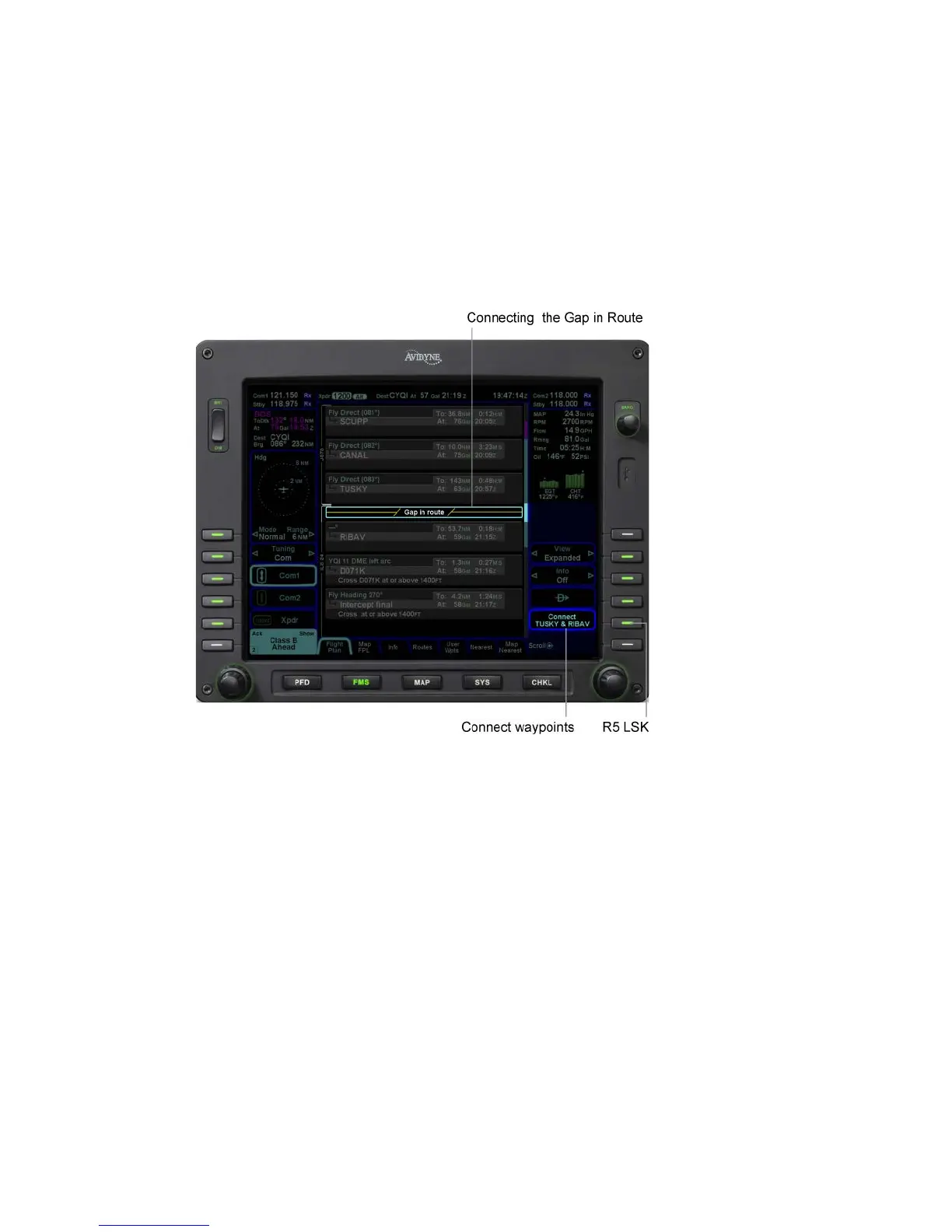
waypoint. If desired, close the gap by placing the cursor on it.
Press the CLR key or the R5 LSK on the Flight Plan tab,
“Connect <wpt1> & <wpt2>”. Closing a Gap connects the
waypoint prior to the Gap with waypoint that follows by a direct
(straight) leg.
Connecting Gap and Route
USE OF NEAREST FUNCTION
Nearest is available as a button with keyboard or one of two FMS
pages.
Method one is to press the “NRST” function key on the keyboard.
By doing so, the MFD will switch to the split Map-Nearest tab of
the FMS page. The left side of the split page is the map and the
right side is the Nearest list of Airports. As that list is scrolled up
or down via the right-hand bezel knob, the associated airport or
fix is highlighted in reverse video blue on the map. This provides
a powerful graphical indication of the element in relation to
ownship and other map features. Each subsequent push of the
“NRST” function key cycles through the list of nearest elements in
the following order:














 To Next Page