11-6 System Setup / User Preferences
the transponder code in the left edge of the “Top Strip” datablock
(if equipped with the remote mount transponder), time in the right
edge of the “Top Strip” datablock and transponder code in the top
of the keyboard datablock (if equipped with the remote mount
transponder). There is a “Reset Defaults” LSK that can also be
used as a shortcut.
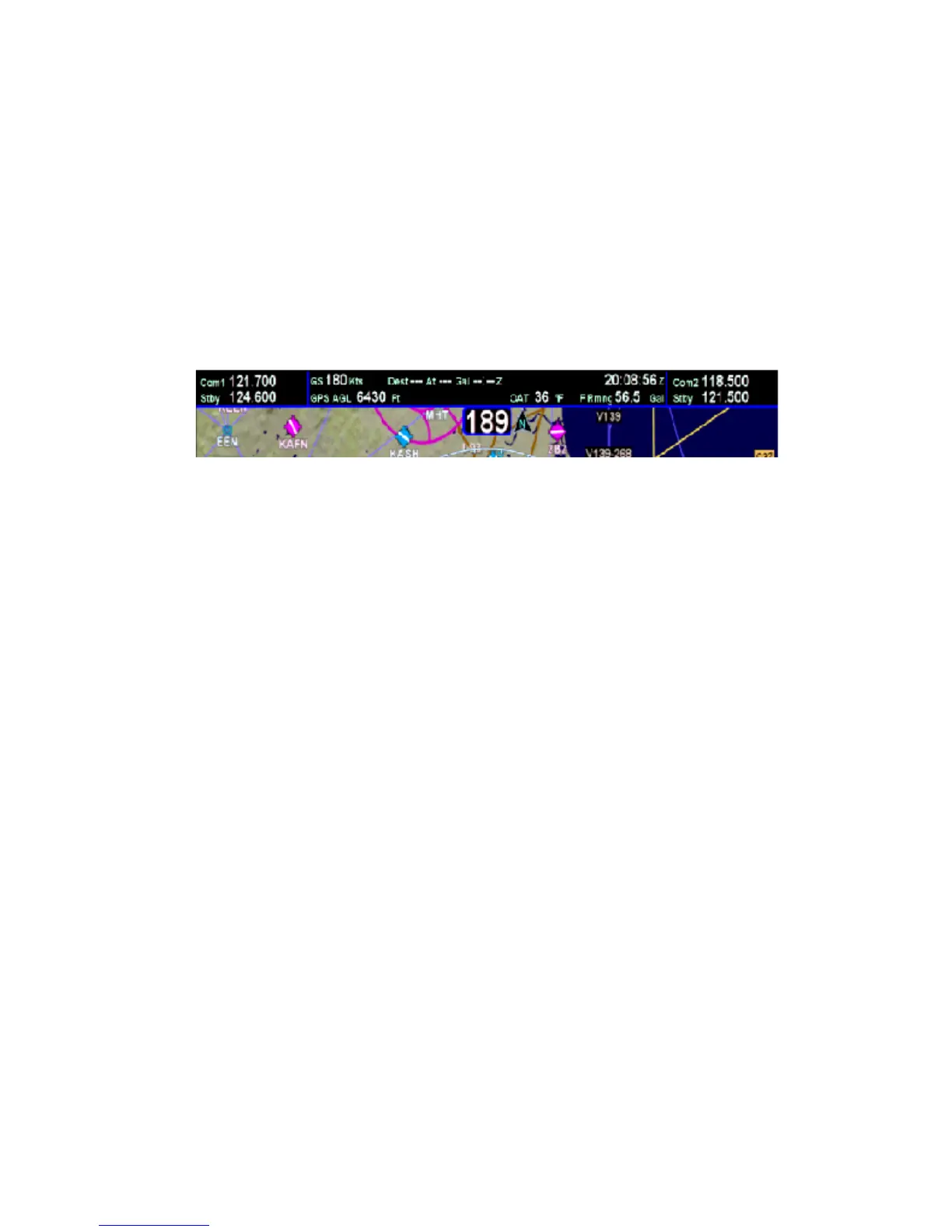
In Release 9.3 and later, the “Top Strip” datablock is now two
rows of editable datablocks per the image below.
AUTOPILOT
This tab is only present in aircraft equipped with a S-TEC 55X or
S-TEC 55SR and is designed for avionics technicians to easily
perform calibrations of the S-TEC autopilot.
Note: Using this page in a non-prescribed method can seriously
affect the performance and safety of your autopilot.














 To Next Page