6-4 Arrivals / Approaches / Landing
ENTERING AN ARRIVAL AND APPROACH
This section only applicable for FMS900w: From any tab where
the flight plan is capable of being edited, use the “FMS” knob on
the keyboard to scroll up or down the flight plan as required until
the edit cursor surrounds the waypoint that a published arrival
and/or approach is to be entered. Twist the “FMS” knob until
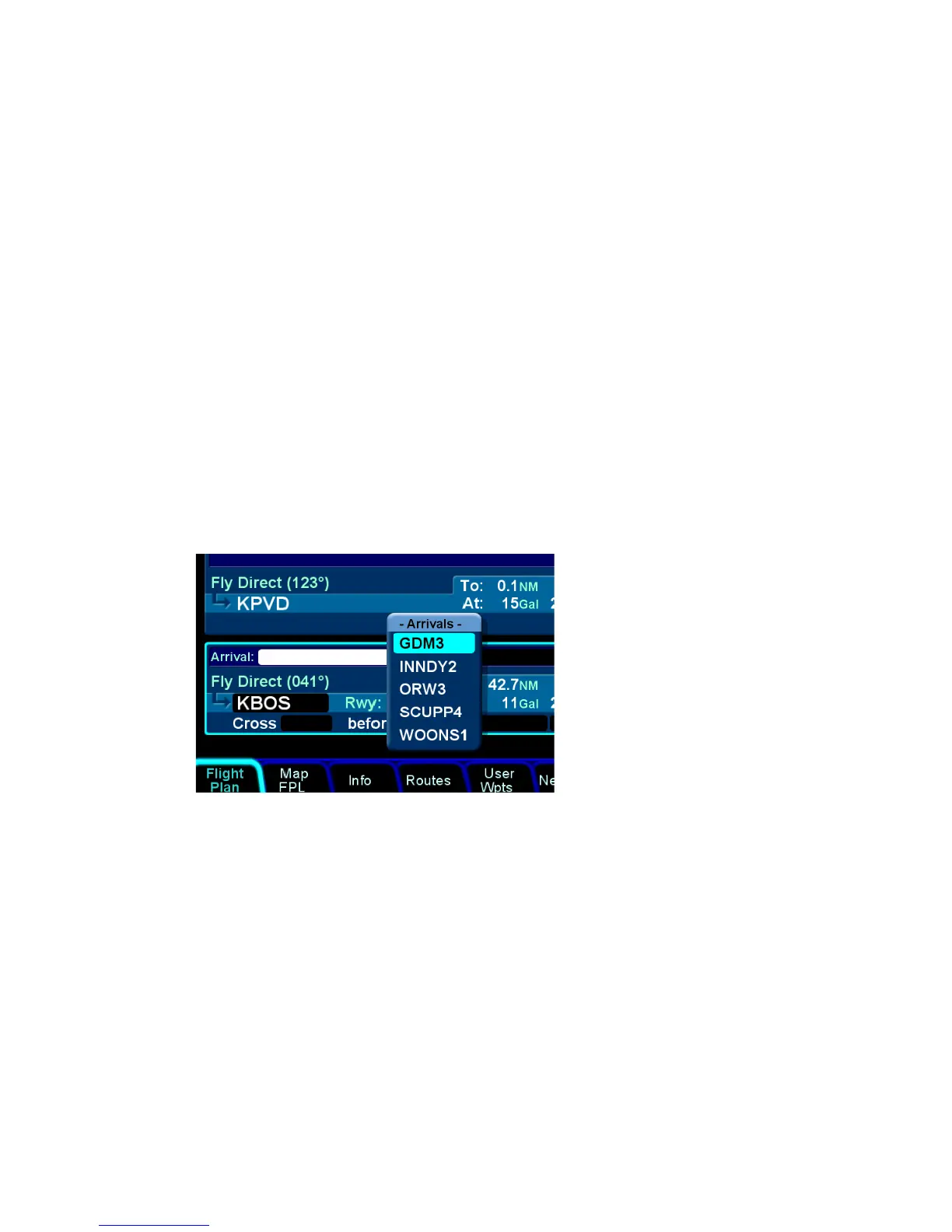
either the arrival or approach fields are highlighted. Push the
knob to generate a dropdown list from which to select the desired
arrival and/or approach. As soon as one is selected, the arrival or
approach field displays the name of the selected procedure and
new legs are automatically added to the flight plan. Note: If a
runway is entered before an arrival is entered and the runway
does not belong to the arrival, the arrival is not accepted in the
flight plan. A labeled white vertical line then brackets the
procedure in the flight plan as another visual cue that the
procedure is part of the flight plan.
Adding an Arrival














 To Next Page