4-2 Departure
4 Departure
DEPARTURE PROCEDURES
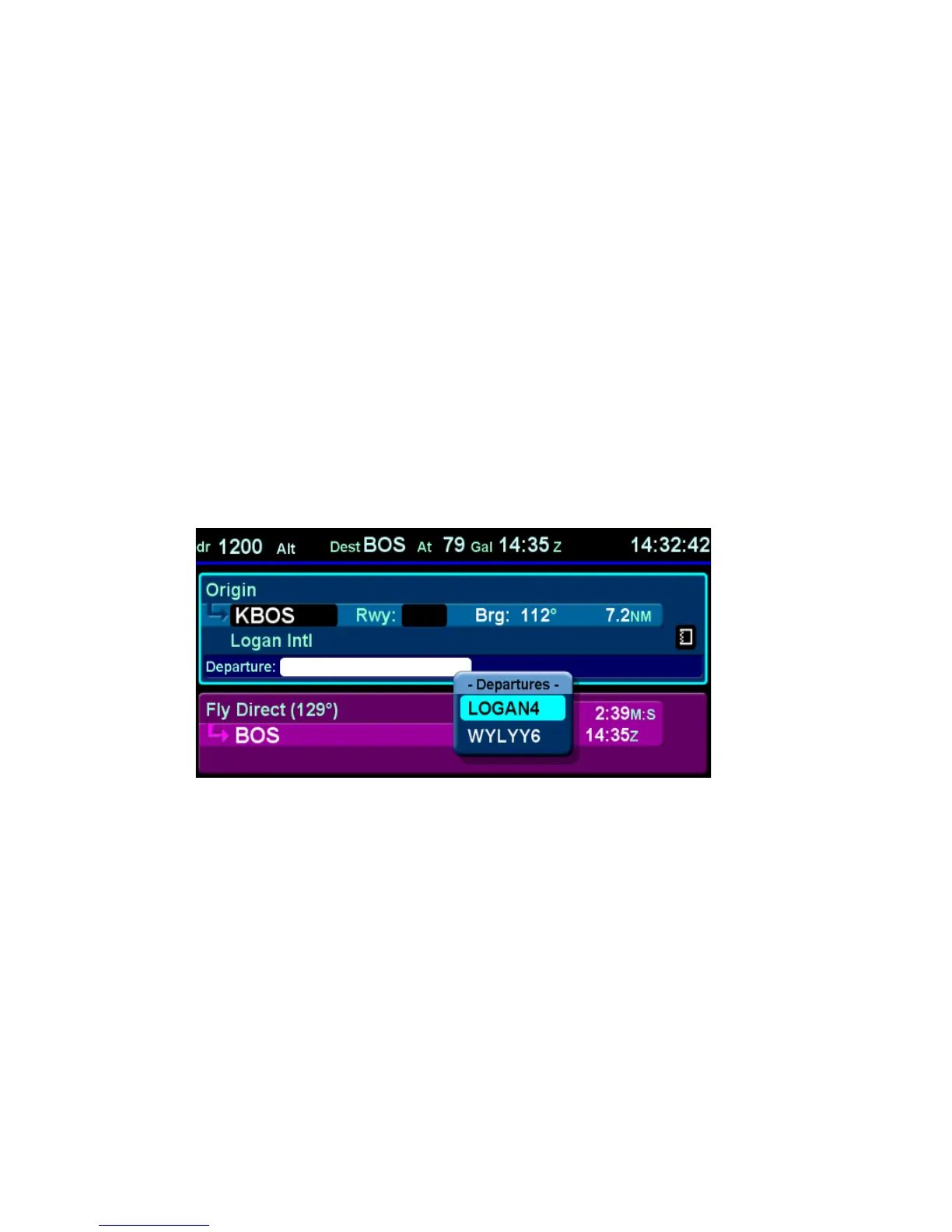
If your origin has a published departure, that procedure can be
loaded into the FMS flight plan. It can then be coupled to the
autopilot for either automatic flight guidance or flight director
guidance. The image below shows an example of a published
departure being selected in the flight plan. Use the “FMS” knob
on the keyboard to scroll the cursors until the Departure field is
highlighted. Push the knob to produce the dropdown list of
available published departures. Continue turning the knob to
select the desired departure from the dropdown list. Pushing the
knob again enters the data into the departure field.
Departure Dropdown Box














 To Next Page